Phone Store MLO
Loading price
Calls, texts and proper buttons.
Bring a classic keypad phone to your city: a curved graphite handset with a green LCD, a scrolling text menu, a directional pad and softkeys. For RoadPhone and RoadPhone Pro.
Loading price
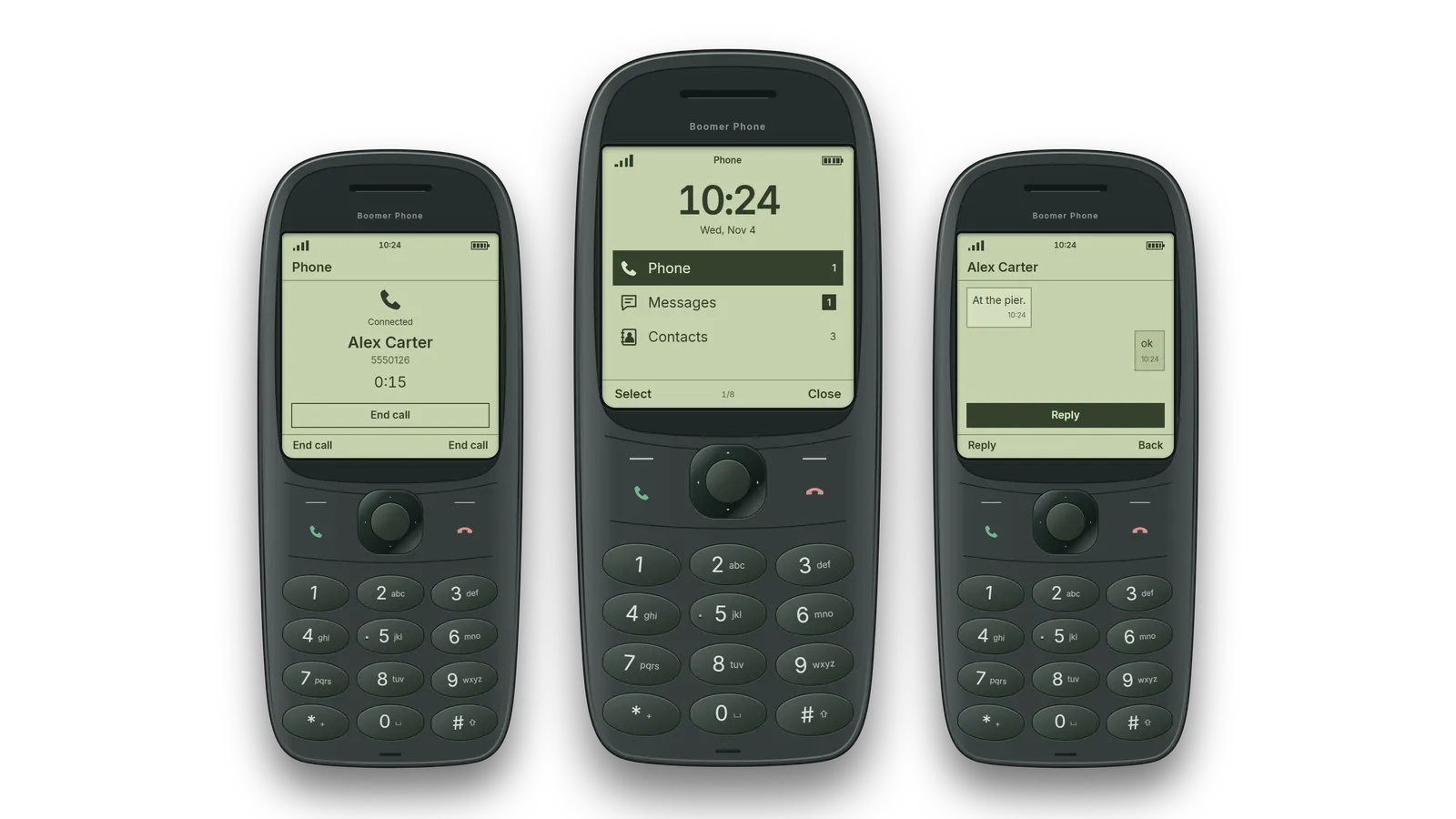
Calls. Call RoadPhone users and other Boomer Phones. Every call is connected through RoadPhone.
SMS. Send SMS, keep your conversations in the inbox and receive messages while offline.
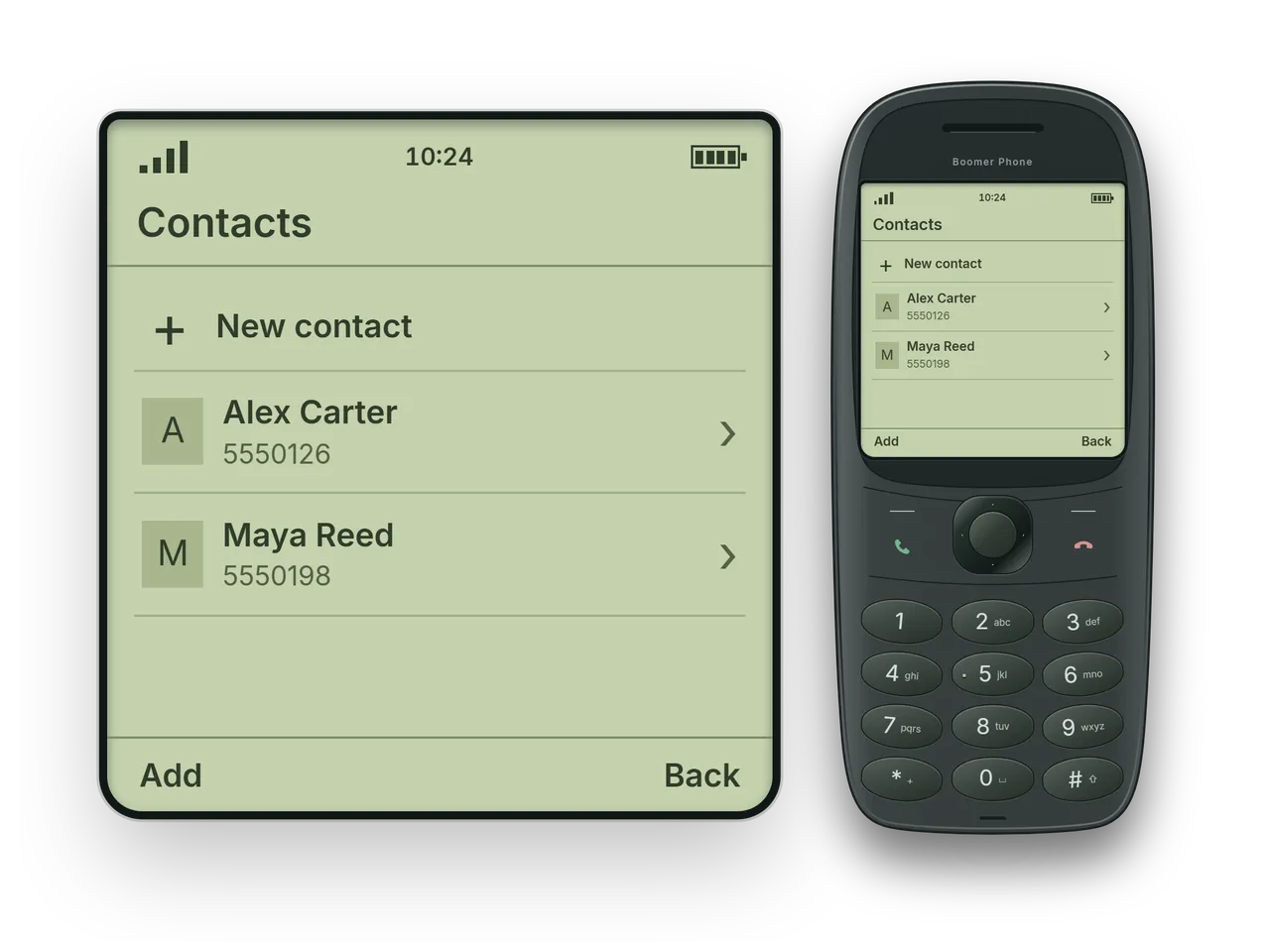
Contacts. Save the people you call. Contacts and call history stay on the Boomer Phone.
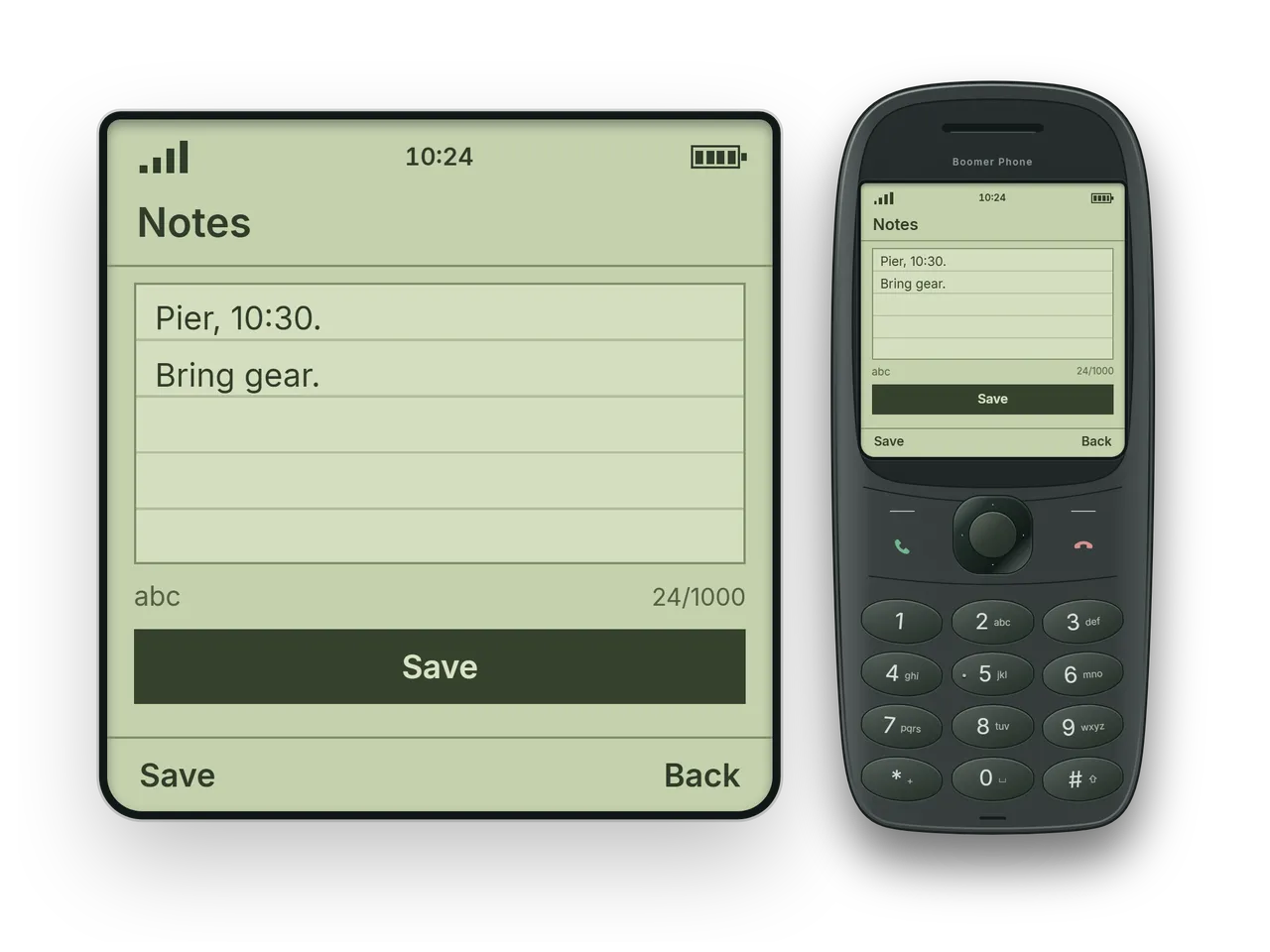
Notepad. Jot down a plan or a quick reminder.
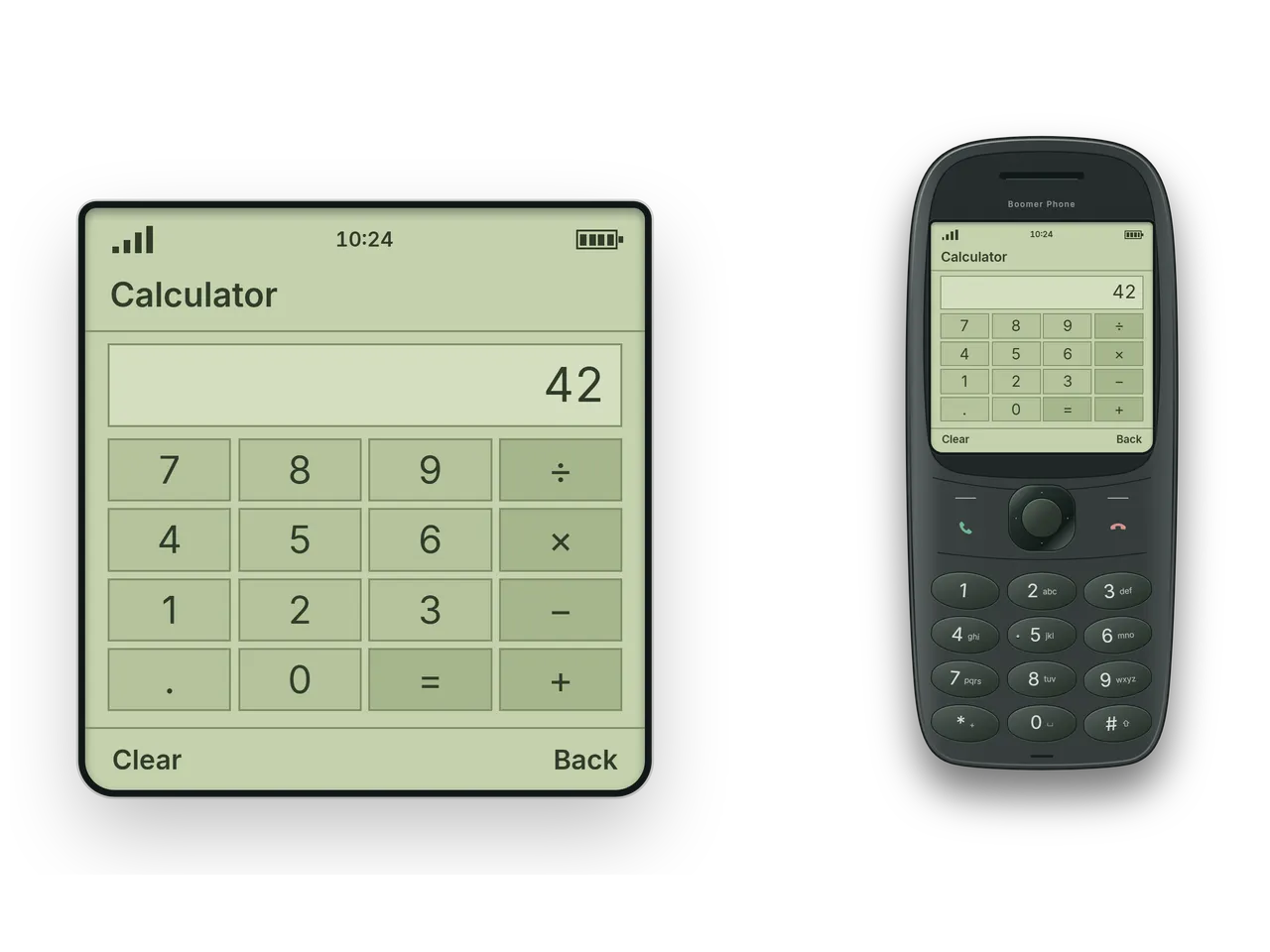
Calculator and stopwatch. Work out a total or time a task.
Pocket game. One more round, steered with the directional pad.
Proper buttons
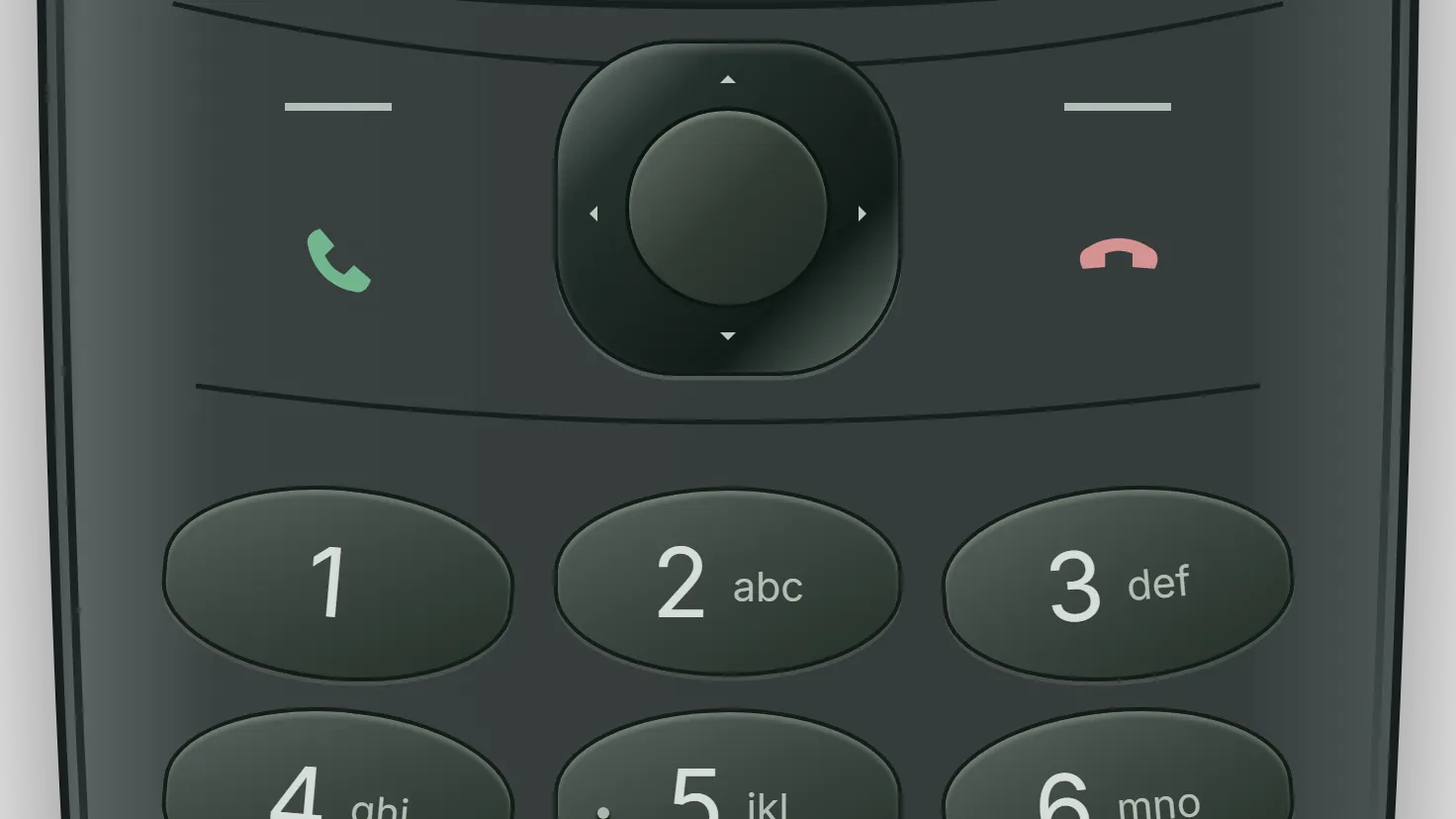
Navigate with the directional pad and softkeys, dial with the number keys and write with multi-tap text entry.
Your character gets a dedicated Boomer Phone number, contacts, SMS inbox and call history.
Boomer Phones call RoadPhone users and each other.
Phone, messages, contacts, calculator, clock, notes, settings and the pocket game in a scrolling text menu.
A custom Classic handset prop carries the curved graphite design into the game, with a matching inventory icon.
Switch the language directly on the device.
Mouse and keyboard controls are included as well.
Add-on
Required. Use a compatible, up-to-date core build with its dependencies.
Item
Register the included Boomer Phone inventory item.
Prop
The in-hand prop uses a fixed screen texture.
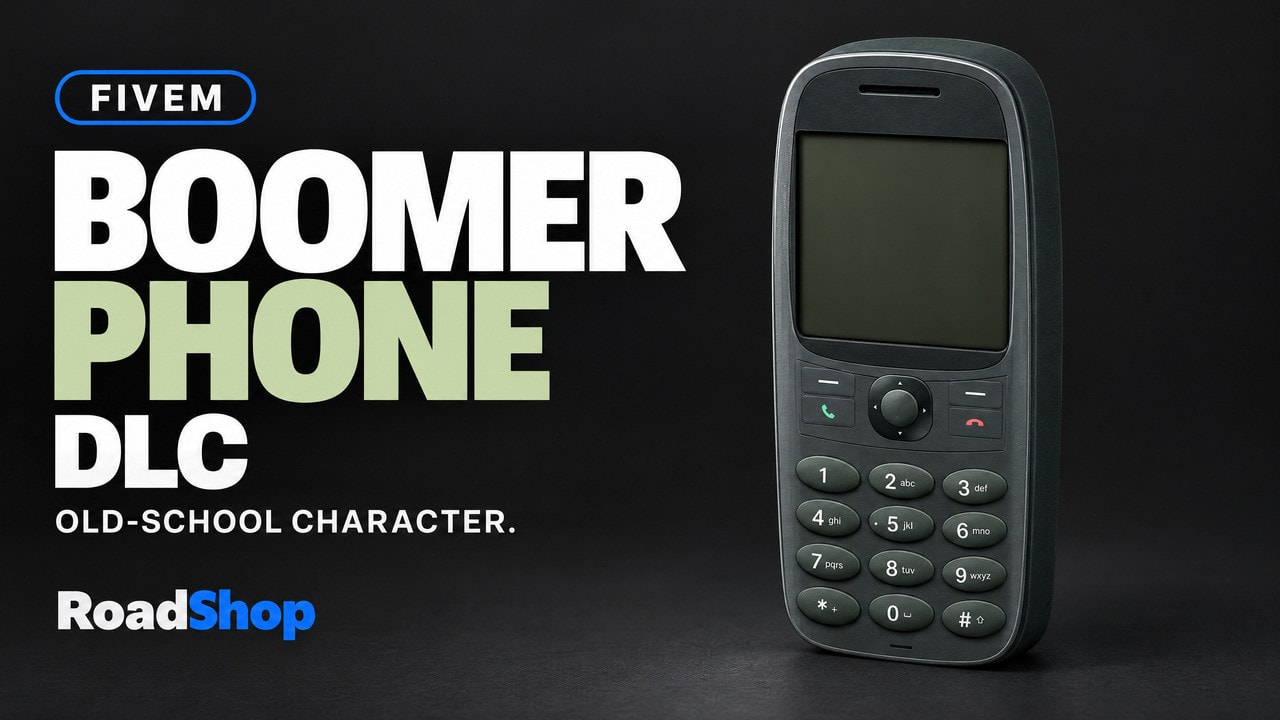
DLC FOR ROADPHONE & ROADPHONE PRO
Calls, texts and proper buttons.
Bring a classic keypad phone to your city. The Boomer Phone DLC pairs a curved graphite handset with a green LCD, a scrolling text menu and the familiar feel of directional controls and softkeys.
Make a call, send a message or save a quick reminder. Your character gets a dedicated Boomer Phone number, contacts, SMS inbox and call history, with calls connected through RoadPhone.
Calls and SMSCall RoadPhone users and other Boomer Phones. Send SMS, keep conversations in your inbox and receive messages while offline. | Your own phone lifeKeep a separate Boomer Phone number, contact list, SMS inbox and call history for your character. |
Proper buttonsNavigate with the directional pad and softkeys. Dial with the number keys and write with multi-tap text entry. Mouse and keyboard controls are included. | Pocket essentialsWork out a total, time a task or jot down a plan with the calculator, stopwatch and notepad. There is a pocket game for one more round, too. |
The custom Classic handset prop carries the same curved graphite design into the game. A matching inventory icon completes the item.
Switch between English and German directly on the device.
RoadPhone or RoadPhone Pro is required. Use a compatible, up-to-date core build with its dependencies and register the included Boomer Phone inventory item.
The in-hand prop uses a fixed screen texture.
Old-school character.
Ready for your roleplay.
Promotional image enhanced with AI for presentation. The in-game product is unchanged.
It is delivered right away to the Cfx.re account you sign in with. Download it any time from the Cfx.re Portal.
FiveM resources belong to a Cfx.re account, so you sign in before the first item goes into your basket. Use the account that owns your server's license key.
Transfer it in the Cfx.re Portal to the right account. A transfer cannot be undone, so check the username first.
Yes, for most products: press the gift button next to the buy button and enter the recipient's Cfx.re username.
Checkout is operated by Tebex Limited, the merchant of record, who handles product fulfilment, billing support and refunds.
Taxes are calculated at checkout.
Join our Discord and tell us what is going wrong. Our team helps you there. Join our Discord
Loading your basket…