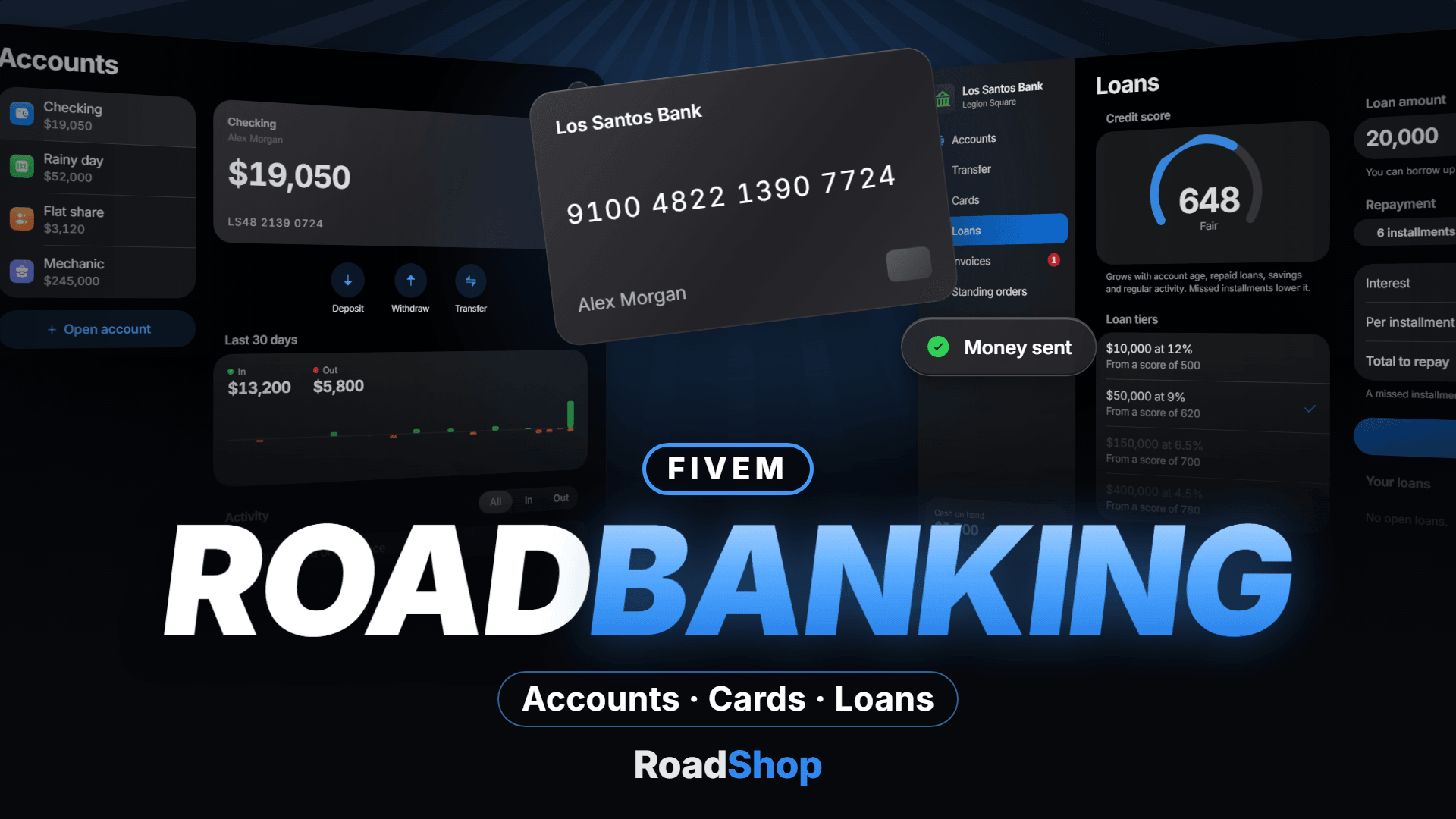
RoadBanking
Loading price
Same TV. Same moment.
Synced TVs for your server. A TV stays dark until someone turns it on. Paste a link, and everyone nearby sees the same moment.
Loading price
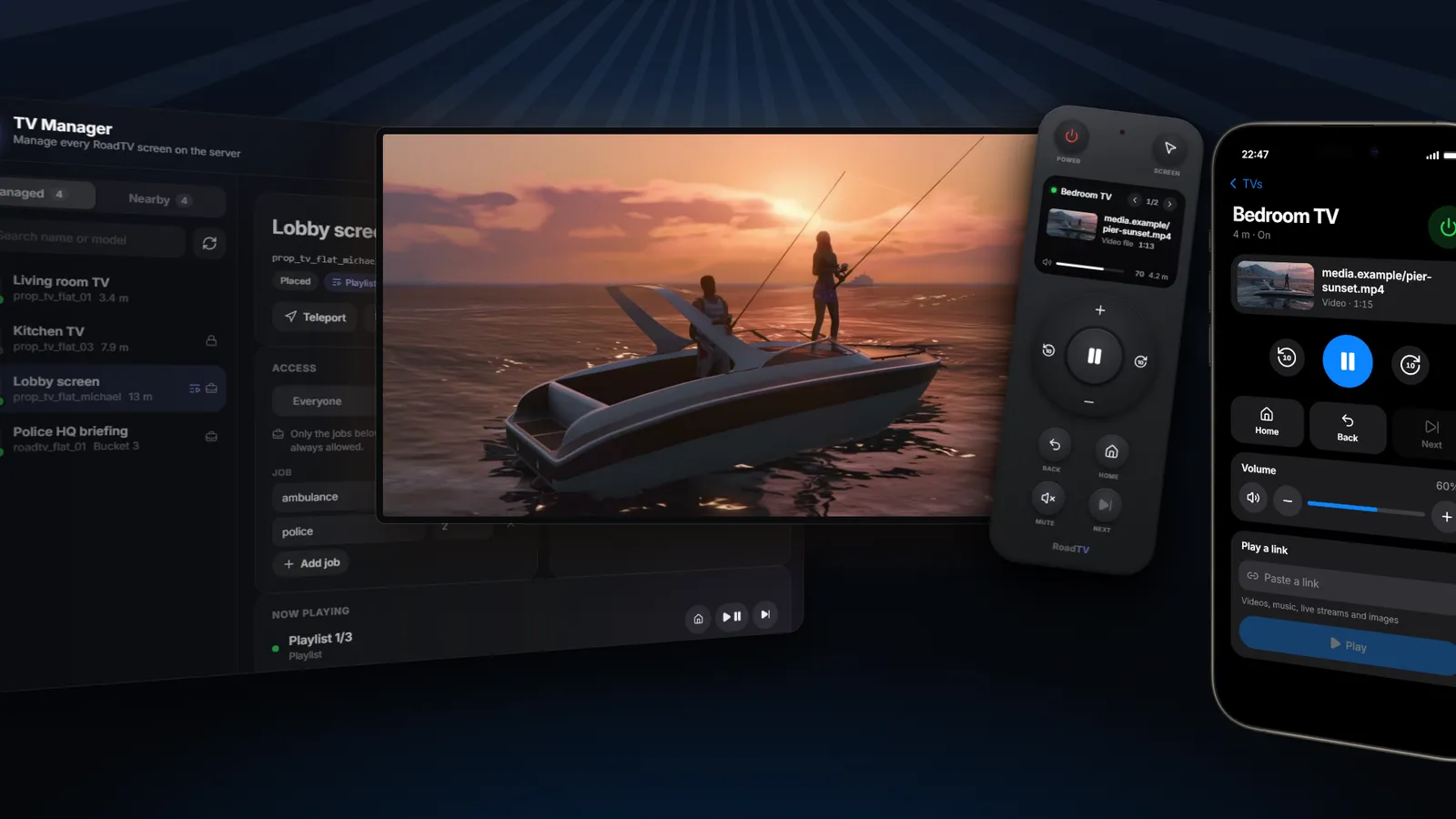
One Play button. Paste a link and it plays: videos, music, live streams, MP3, OGG, WAV, MP4, WebM or images. Videos can be queued and play one after another.
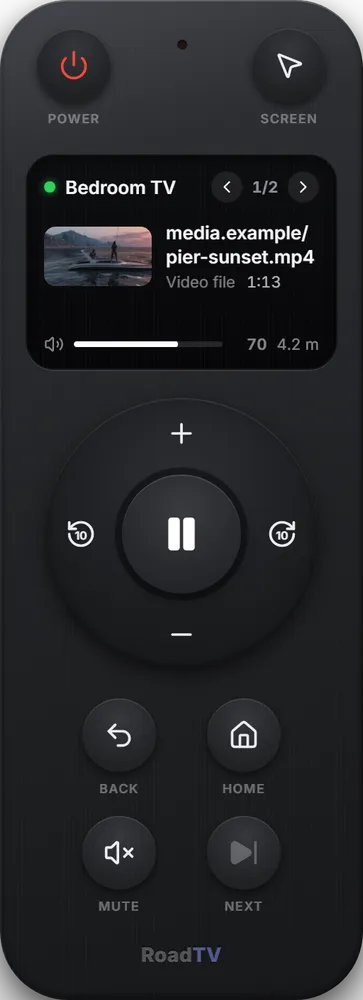
Remote control. Reach a TV from up to 15 m away: power, volume, mute, play and pause, skip, queue, links and mouse control of the screen. Open it with /tvremote or a key of your choice, optionally as an item.
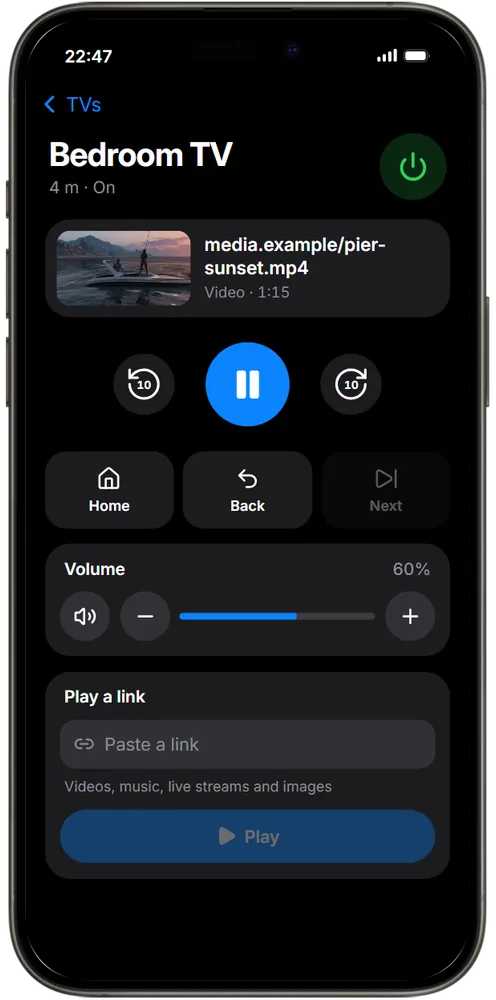
RoadTV app for RoadPhone Pro. The same remote on the phone: pick a TV from the list, then control it and play links, within the same range as the remote.
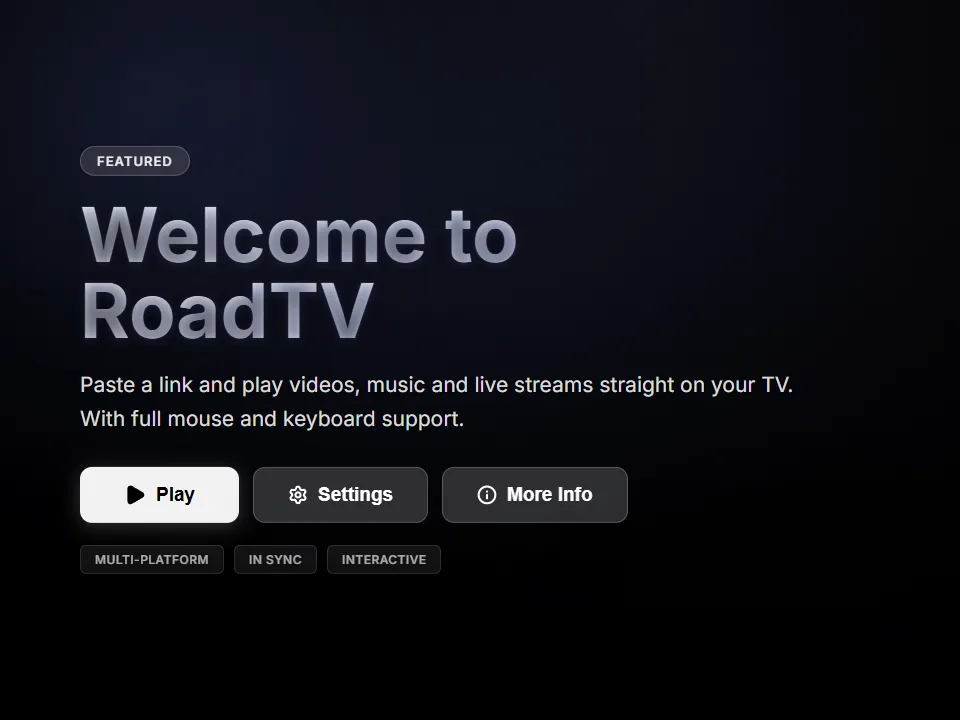
Off until someone wants it. A TV doesn't turn on just because a player walks past. Turn one on with the target menu, /tv, the remote or the phone. A TV that is off renders nothing.
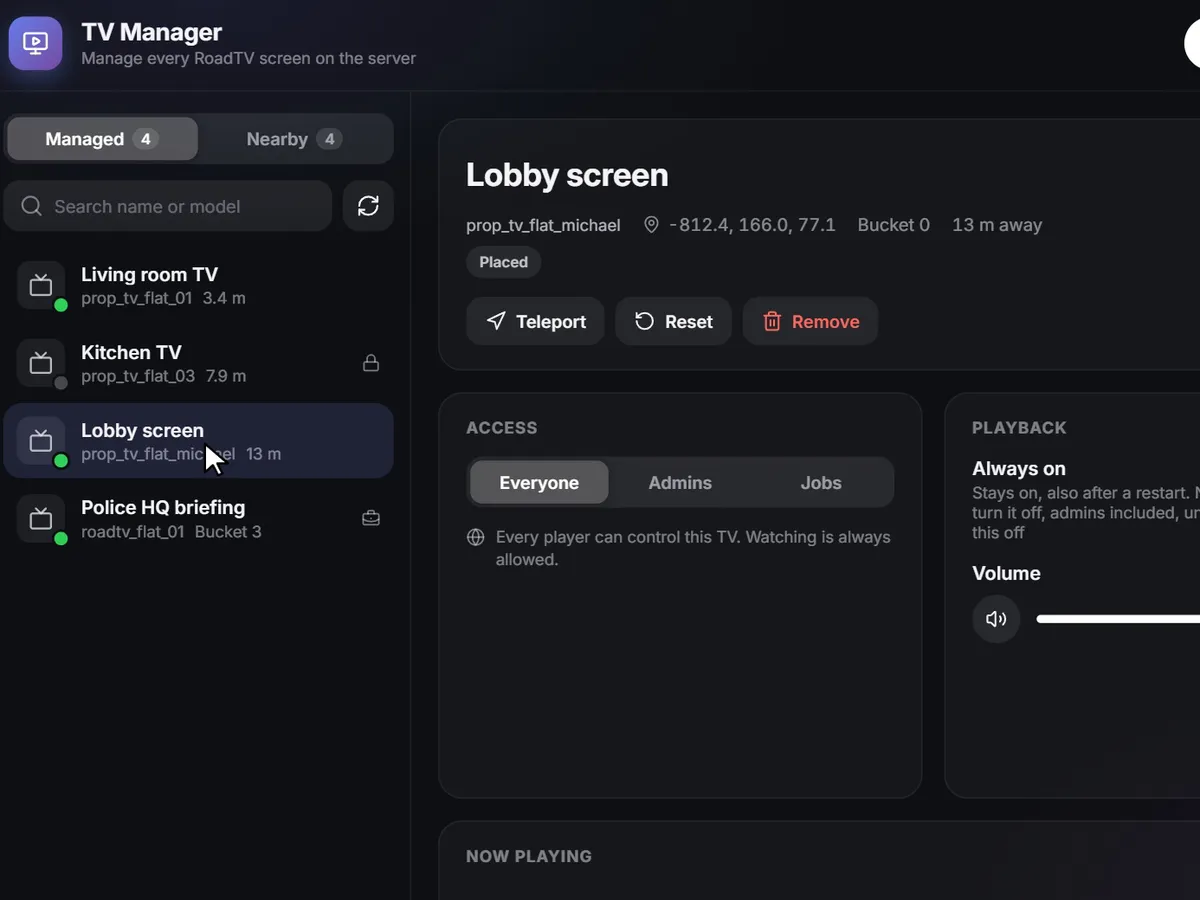
Every screen in one list. The TV Manager (/tvadmin) lists every TV on the server and every TV around you. Name them, turn them on or off, teleport to them, play a link, reset or remove them.
Rights per TV. Everyone, admins only or certain jobs with a minimum grade. Watching is always possible; the rights decide who controls the TV.
Playlists. Images and videos that take turns, up to 50 items with optional durations, looping or once. For the lobby, the shop and the waiting room.
Watch together · In sync
Playback position and pause are shared by every player in range. Walk in late, and you land right where the others are. Turn a TV off and it remembers: turned on again, it carries on from where it stopped, also after a server restart.
A game console prop next to a TV starts 3D games, and everyone near the TV watches live.
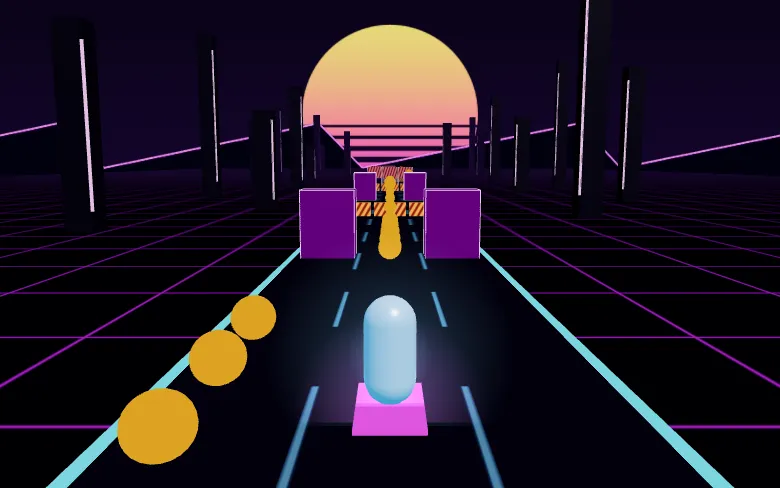
1 player
An endless run on a neon highway: change lanes, jump over barriers, slide under bars and collect coins.

1 player
Drop the sliding slab on the tower. What hangs over is cut off; perfect drops keep the size.
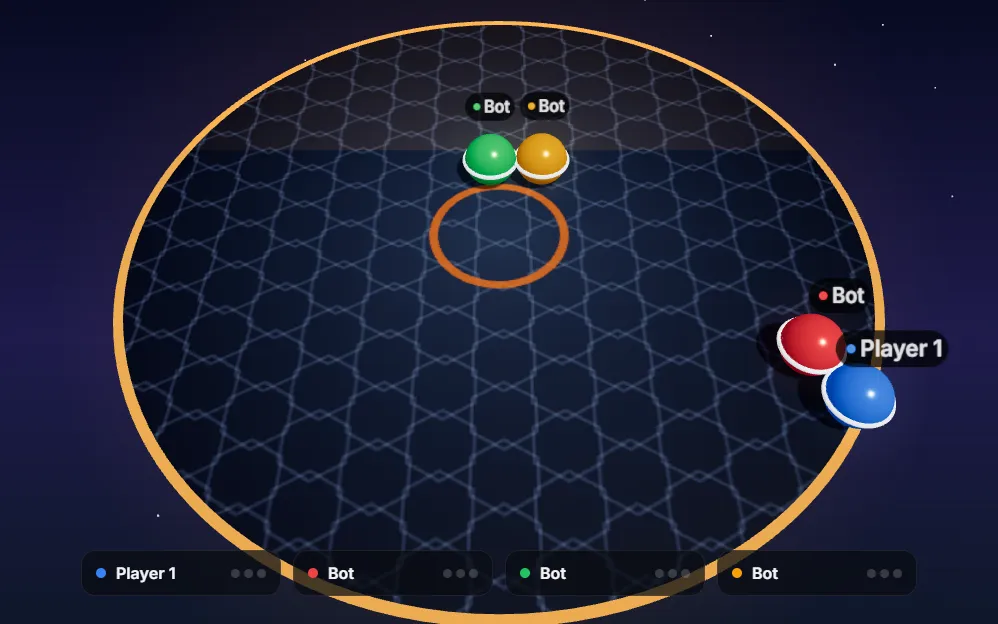
Up to 4 players
Bumper balls on a shrinking floating platform. Push the others off and dash. Bots take the free slots.
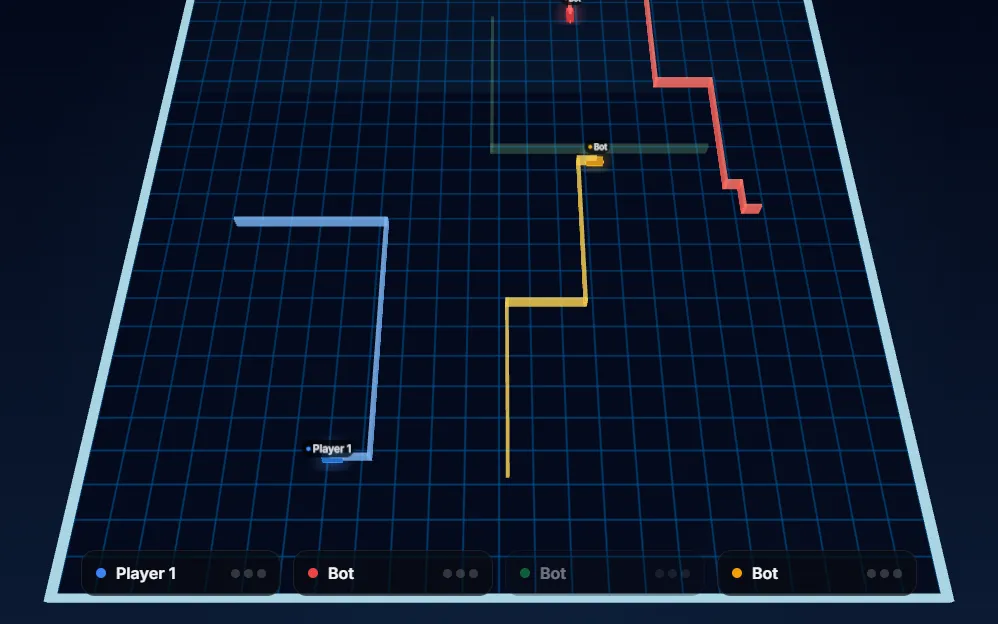
Up to 4 players
Light bikes leave walls behind them. Make the others crash and stay alive. Bots take the free slots.
Use mouse and keyboard directly on the TV, and Ctrl+V pastes links. Volume falls off with distance, and each player can set their own with /tvvolume.
A control lock makes sure only one player operates a TV at a time.
An always-on TV stays on after a restart and nobody can turn it off, admins included, until the setting is switched off again.
Supported TVs, monitors and cinema screens on your map, in interiors and MLOs are detected automatically. You can also limit RoadTV to the TVs your admins placed.
Place TVs with /placetv or from the TV Manager: server-side, persistent and with routing bucket support. The RoadTV HD prop with its own render target is included.
Exports play links, switch power and read the state of a TV, and your own resource can show its page on a screen as an app. An optional webhook logs new media links.
Operate the nearest TV, turns it on if it is off.
Open the remote control, can be bound to a key.
Your own volume for the nearest TV.
Admins
Open the TV Manager.
Admins
Place a TV or console.
Admins
Remove the nearest placed TV or console.
Frameworks
Detected automatically. Config, locales and the framework bridge are open.
Server
ox_target or qb-target are optional. Database tables are created on the first start.
Languages
TV interface, remote, TV Manager and phone app in English, German, Spanish, French, Italian and Portuguese. Notifications in English and German.
Optional
Only needed for the phone app. Everything else works without it, and the setup is in the README.
Good to know
The game draws one picture per render target, and most standard TVs share one: of those, the TV nearest to a player shows the picture. TVs with their own render target, like the RoadTV HD prop, play side by side.
The film
The rooms in the video are AI-generated backgrounds. The RoadTV interface is real, shown with demo data.
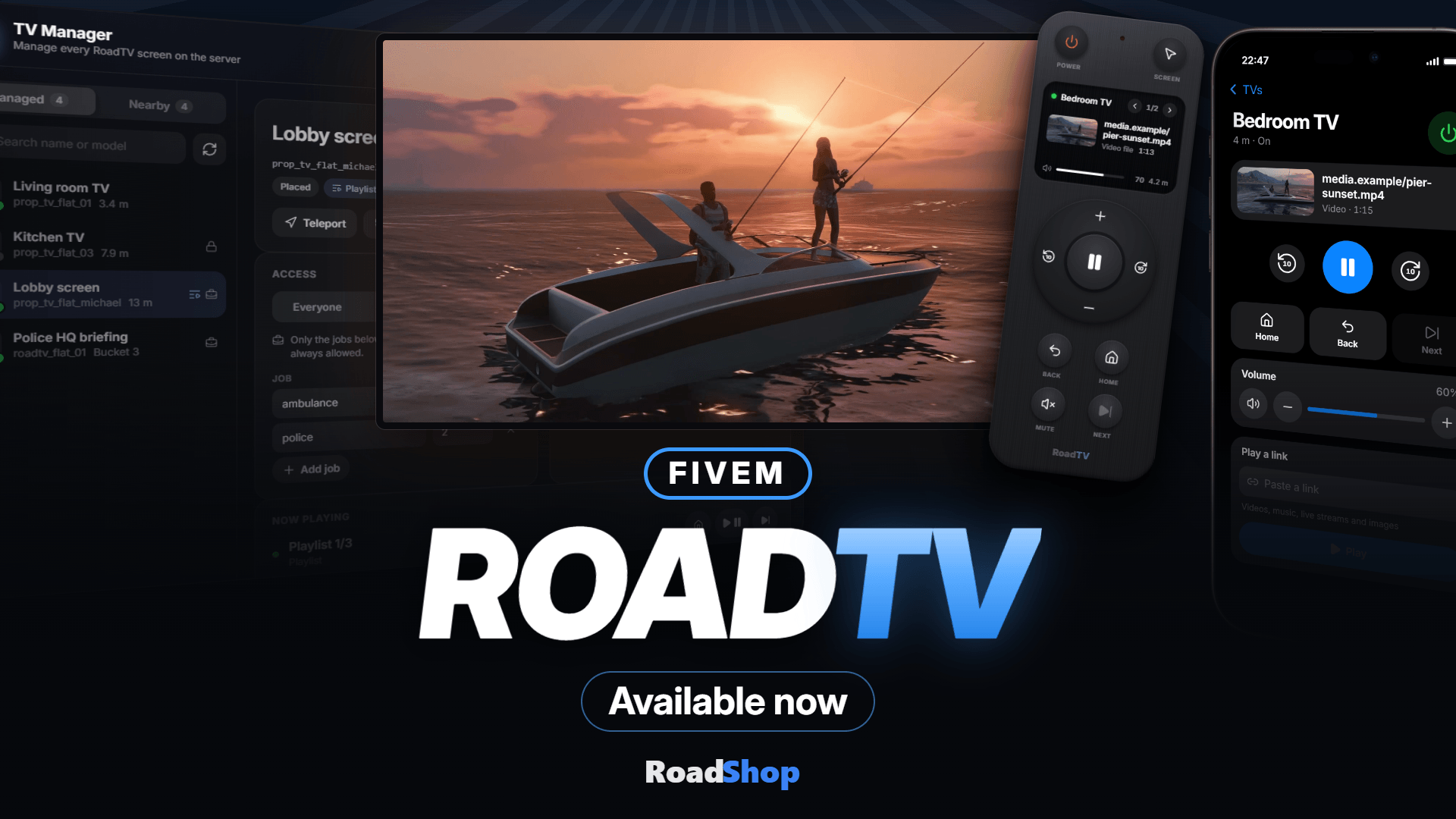
Synced TVs for your server. A TV stays dark until someone turns it on. Paste a link, and everyone nearby sees the same moment.
15 m Remote Range | 50 Playlist Items | 6 Languages | 4 Frameworks |
Playback position and pause are shared by every player in range. Walk in late, and you land right where the others are. Turn a TV off and it remembers: turned on again, it carries on from where it stopped, also after a server restart. A control lock makes sure only one player operates a TV at a time.
Off until someone wants it A TV doesn't turn on just because a player walks past. Turn one on with the target menu, /tv, the remote or the phone. A TV that is off renders nothing. | One Play button Paste a link and it plays: videos, music, live streams, MP3, OGG, WAV, MP4, WebM or images. Videos can be queued and play one after another. |
Remote control Reach a TV from up to 15 m away: power, volume, mute, play and pause, skip, queue, links and mouse control of the screen. Open it with /tvremote or a key of your choice, optionally as an item. | RoadTV app for RoadPhone Pro The same remote on the phone: pick a TV from the list, then control it and play links, within the same range as the remote. |
Hands on the screen Use mouse and keyboard directly on the TV, and Ctrl+V pastes links. Volume falls off with distance, and each player can set their own with /tvvolume. |
The TV Manager (/tvadmin) lists every TV on the server and every TV around you. Name them, turn them on or off, teleport to them, play a link, reset or remove them.
Rights per TV Everyone, admins only or certain jobs with a minimum grade. Watching is always possible; the rights decide who controls the TV. Add an optional item or a server-side hook for housing and job scripts. | Always-on screens An always-on TV stays on after a restart and nobody can turn it off, admins included, until the setting is switched off again. |
Playlists Images and videos that take turns, up to 50 items with optional durations, looping or once. For the lobby, the shop and the waiting room. | Works with your map Supported TVs, monitors and cinema screens on your map, in interiors and MLOs are detected automatically. You can also limit RoadTV to the TVs your admins placed. |
Place your own TVs Place TVs with /placetv or from the TV Manager: server-side, persistent and with routing bucket support. The RoadTV HD prop with its own render target is included. | For your own scripts Exports play links, switch power and read the state of a TV, and your own resource can show its page on a screen as an app. An optional webhook logs new media links. |
RoadTV Console included A game console prop next to a TV starts 3D games, and everyone near the TV watches live. Neon Runner and Sky Stack for one player, Bumper Brawl and Light Racers as party games for up to four players, with bots in the free slots. |
| /tv | Operate the nearest TV, turns it on if it is off |
| /tvremote | Open the remote control, can be bound to a key |
| /tvvolume | Your own volume for the nearest TV |
| /tvadmin | Admins: open the TV Manager |
| /placetv | Admins: place a TV or console |
| /removetv | Admins: remove the nearest placed TV or console |
Server ESX, QBCore, Qbox or standalone, detected automatically, with OneSync, ox_lib and oxmysql. ox_target or qb-target are optional. Database tables are created on the first start. Config, locales and the framework bridge are open. | Languages TV interface, remote, TV Manager and phone app in English, German, Spanish, French, Italian and Portuguese. Notifications in English and German. |
RoadPhone Pro (optional) Only needed for the phone app. Everything else works without it, and the setup is in the README. | Good to know The game draws one picture per render target, and most standard TVs share one: of those, the TV nearest to a player shows the picture. TVs with their own render target, like the RoadTV HD prop, play side by side. |
The rooms in the video are AI-generated backgrounds. The RoadTV interface is real, shown with demo data.
It is delivered right away to the Cfx.re account you sign in with. Download it any time from the Cfx.re Portal.
FiveM resources belong to a Cfx.re account, so you sign in before the first item goes into your basket. Use the account that owns your server's license key.
Transfer it in the Cfx.re Portal to the right account. A transfer cannot be undone, so check the username first.
Yes, for most products: press the gift button next to the buy button and enter the recipient's Cfx.re username.
Checkout is operated by Tebex Limited, the merchant of record, who handles product fulfilment, billing support and refunds.
Taxes are calculated at checkout.
Join our Discord and tell us what is going wrong. Our team helps you there. Join our Discord
Loading price
Loading price
Loading your basket…