AutoTaxi
Loading price
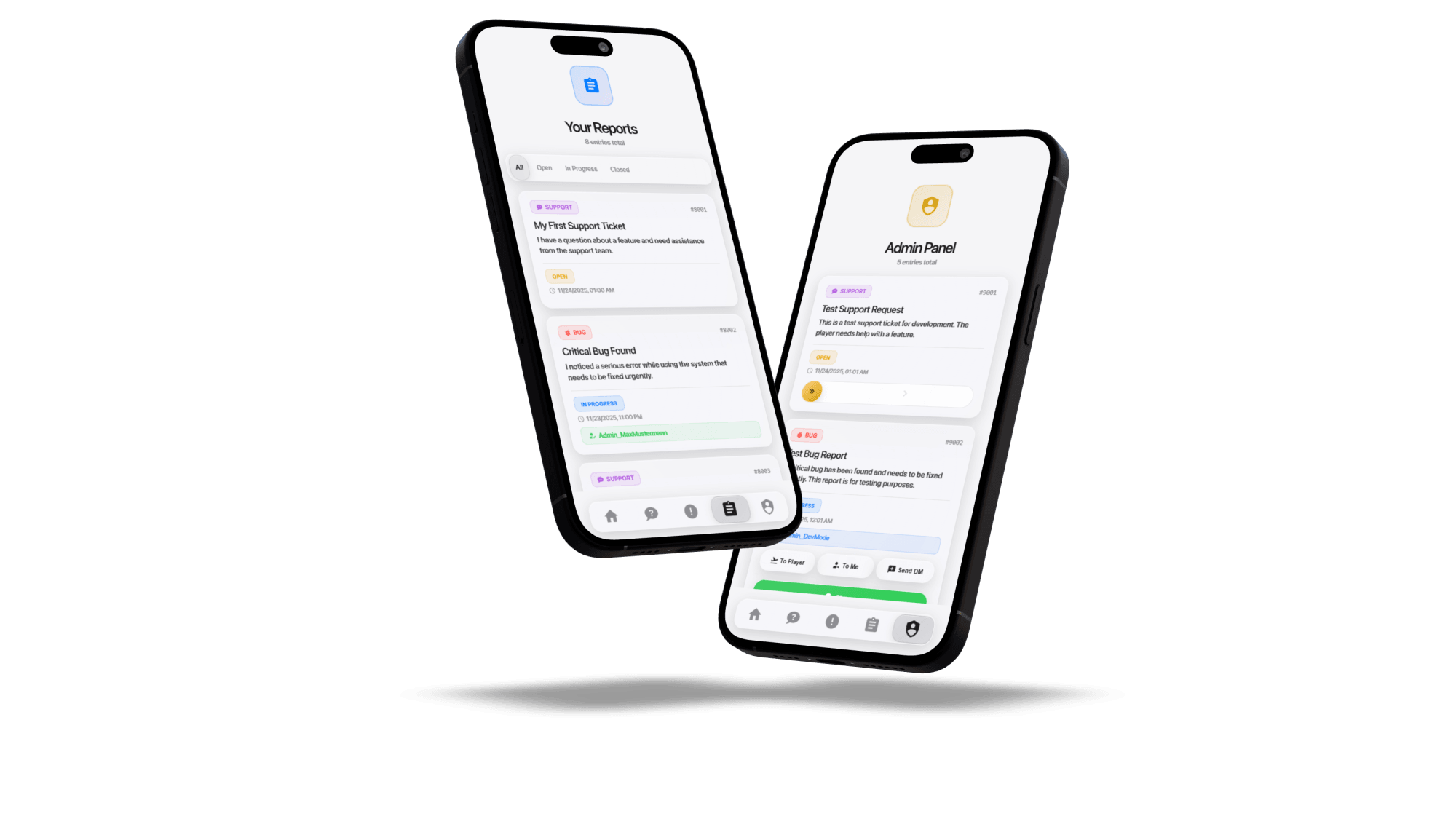
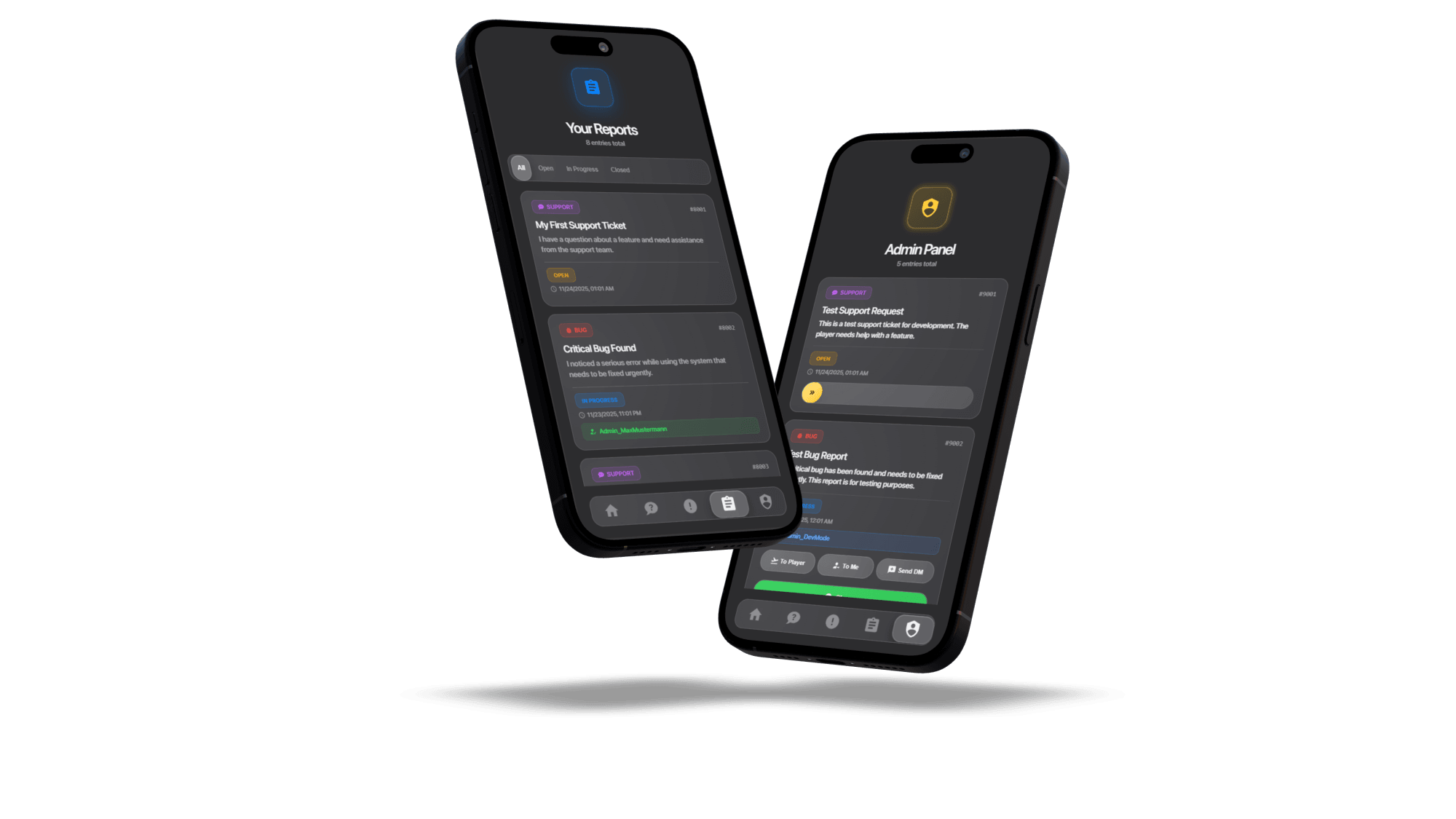
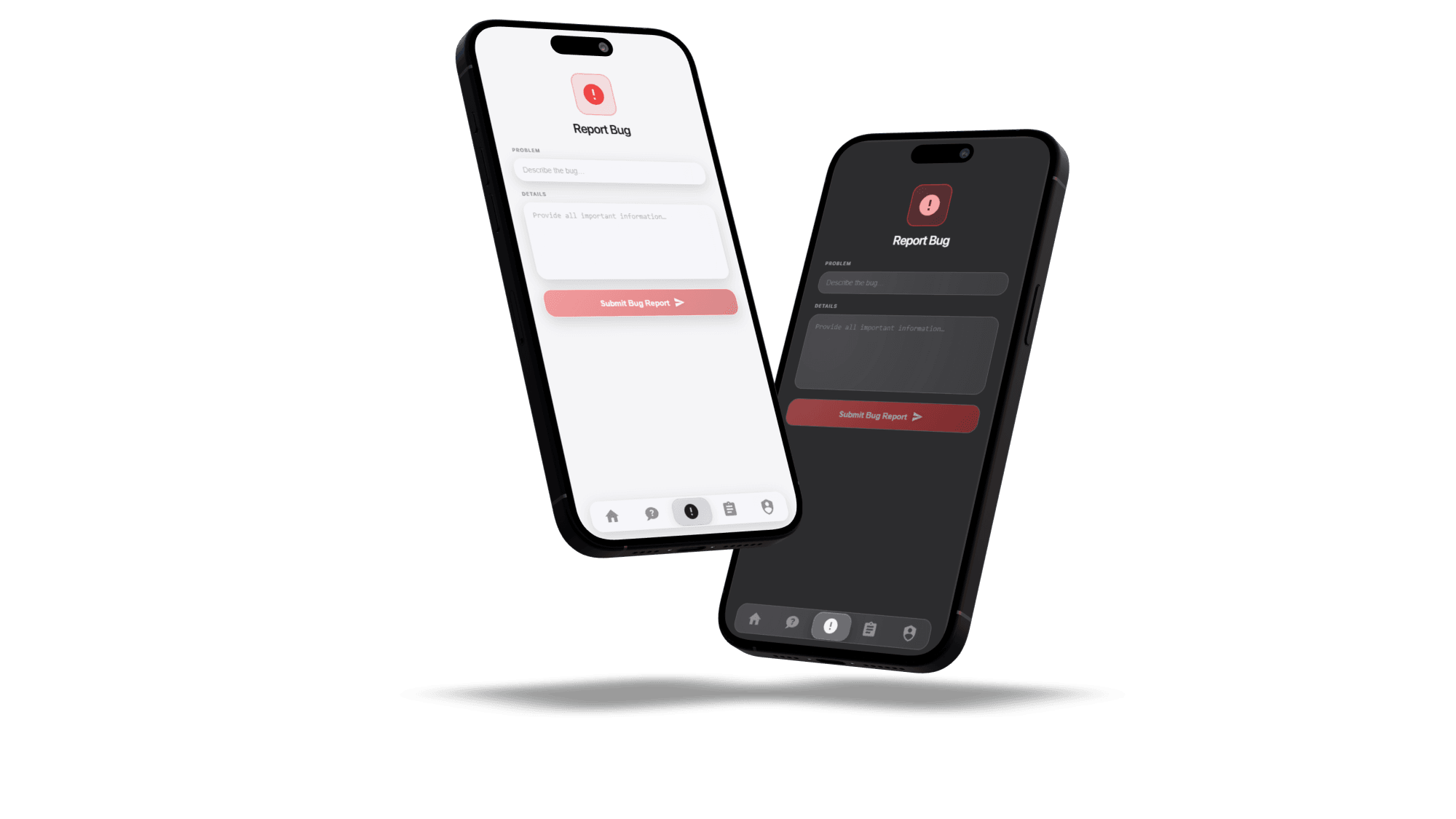
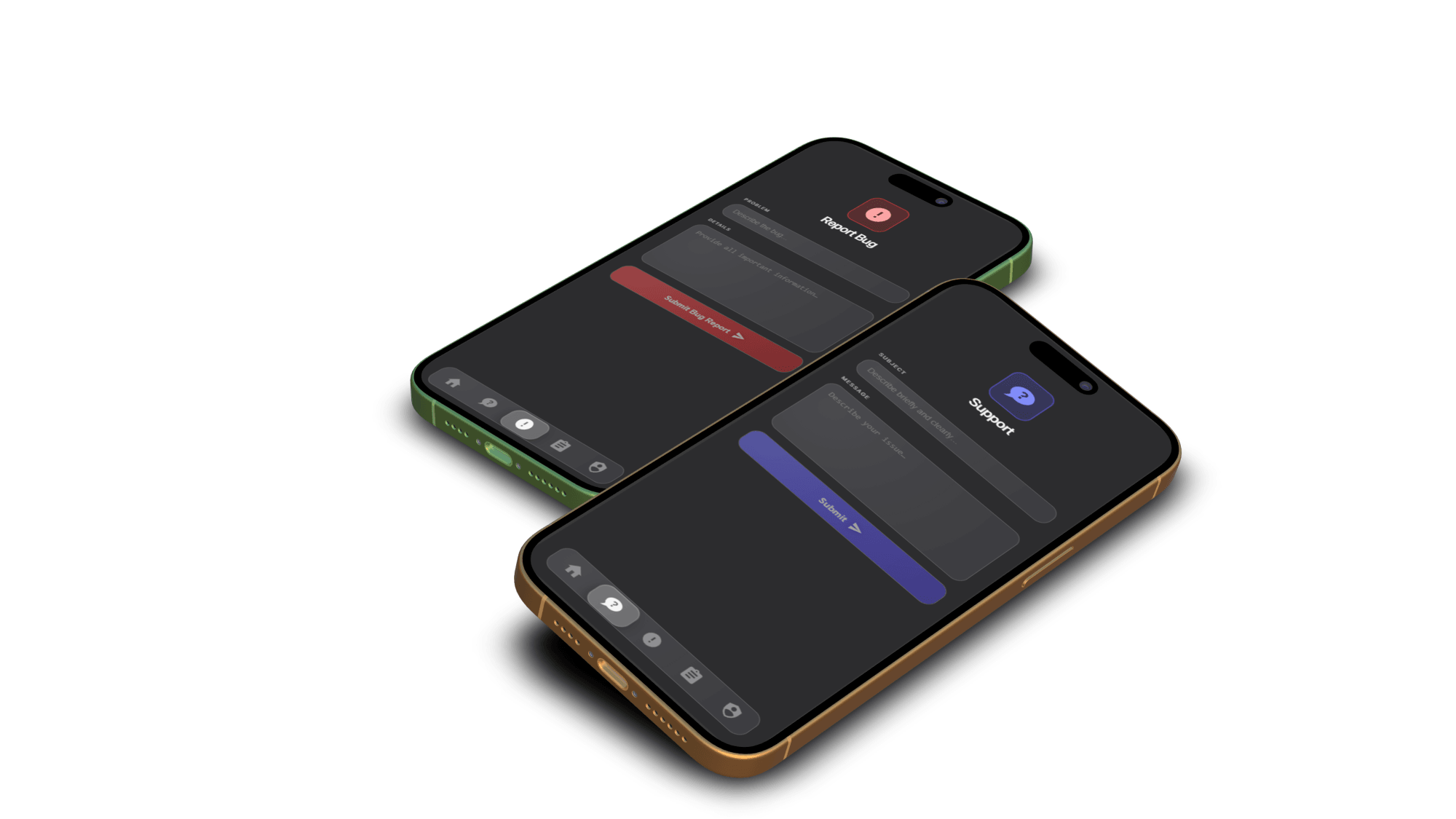
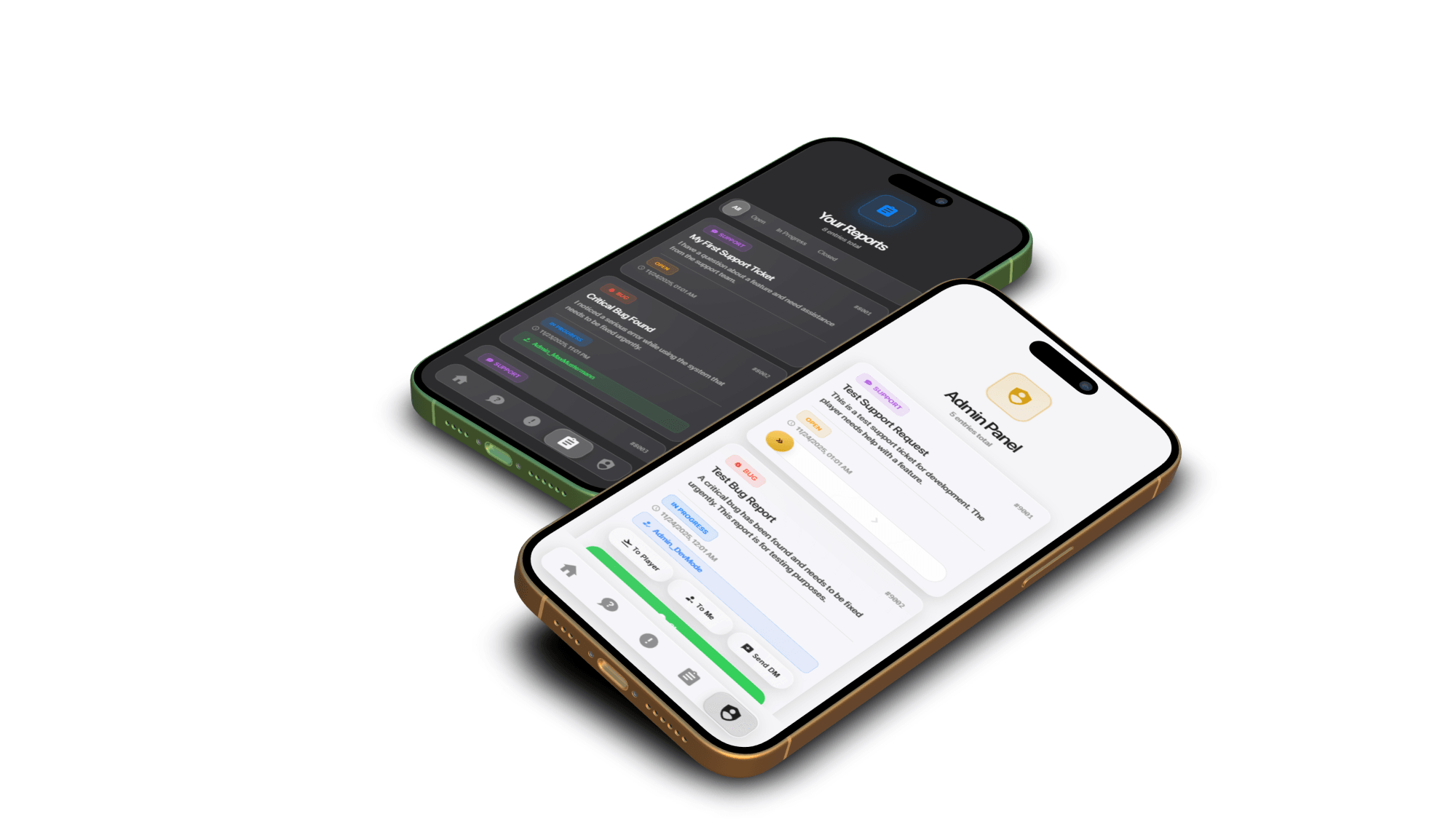
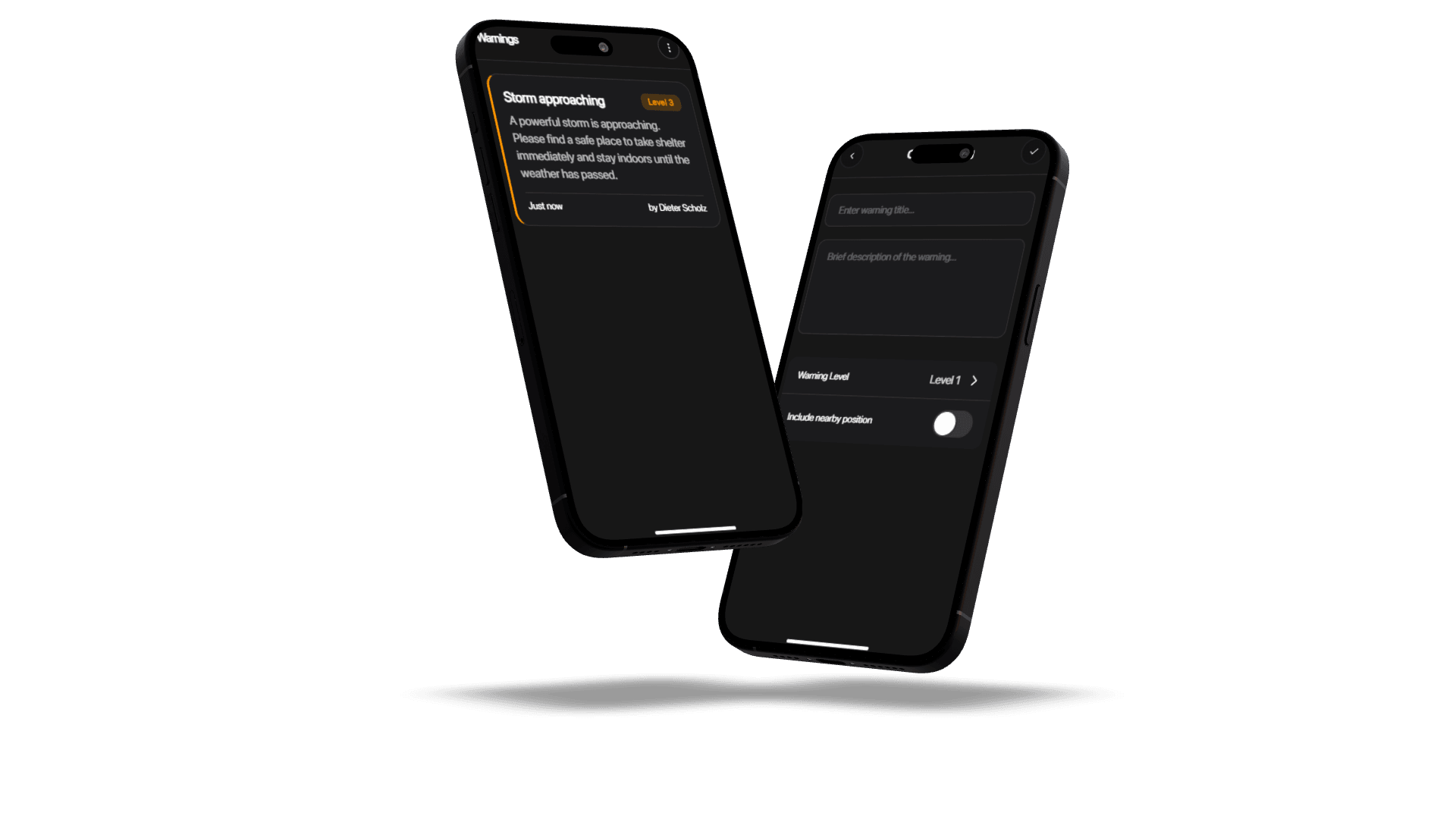
A complete in-app system for support requests, bug reports & admin handling.
Send support requests directly from the RoadPhone-Pro app
Report bugs with detailed descriptions
Track their ticket status: Open • In Progress • Closed
Automatic live status updates inside the app
Multilanguage support (fully configurable)
Dark & Light mode for a better user experience
Optional ticket limit per player to prevent spam
View and edit all reports (permission-based via admin group)
Update ticket status: Open → In Progress → Closed
Send direct messages to the reporting player
Teleport tools:
• TP to the player
• Bring the player to the admin
Close reports once handled or resolved
Real-time report updates for admins
Integrated Discord webhook notifications for new tickets
Every report is neatly organized by status, ensuring admins always know what needs action. Permissions and ticket limits keep the system clean, while multilingual support and theme options make it user-friendly for everyone.
No external tools — everything happens inside RoadPhone-Pro
Discord notifications keep your team instantly informed
Dark/Light mode & multilanguage for maximum usability
Clear and reliable ticket workflow
Anti-spam ticket limits for cleaner admin work
Live updates for a smooth and professional support experience
Support & Bug Reports
Admin communication + TP tools
Status system: Open • In Progress • Closed
Live Status Updates
Multilanguage Support
Dark/Light Mode
Discord Webhook Integration
Player Ticket Limit
Permission-based admin access
⚠️ Important: Teleport actions require correct server permissions. Check the included documentation for setup details.
It is delivered right away to the Cfx.re account you sign in with. Download it any time from the Cfx.re Portal.
FiveM resources belong to a Cfx.re account, so you sign in before the first item goes into your basket. Use the account that owns your server's license key.
Transfer it in the Cfx.re Portal to the right account. A transfer cannot be undone, so check the username first.
Yes, for most products: press the gift button next to the buy button and enter the recipient's Cfx.re username.
Checkout is operated by Tebex Limited, the merchant of record, who handles product fulfilment, billing support and refunds.
Taxes are calculated at checkout.
Join our Discord and tell us what is going wrong. Our team helps you there. Join our Discord
Loading price
Loading price
Loading price
Loading your basket…