RoadVR
Windows around you, anchored in the room.
A headset your players put on, and windows they arrange around them. Runs on ESX, QBCore, Qbox and Standalone; RoadPhone is optional.
Loading price
Get the highlights.
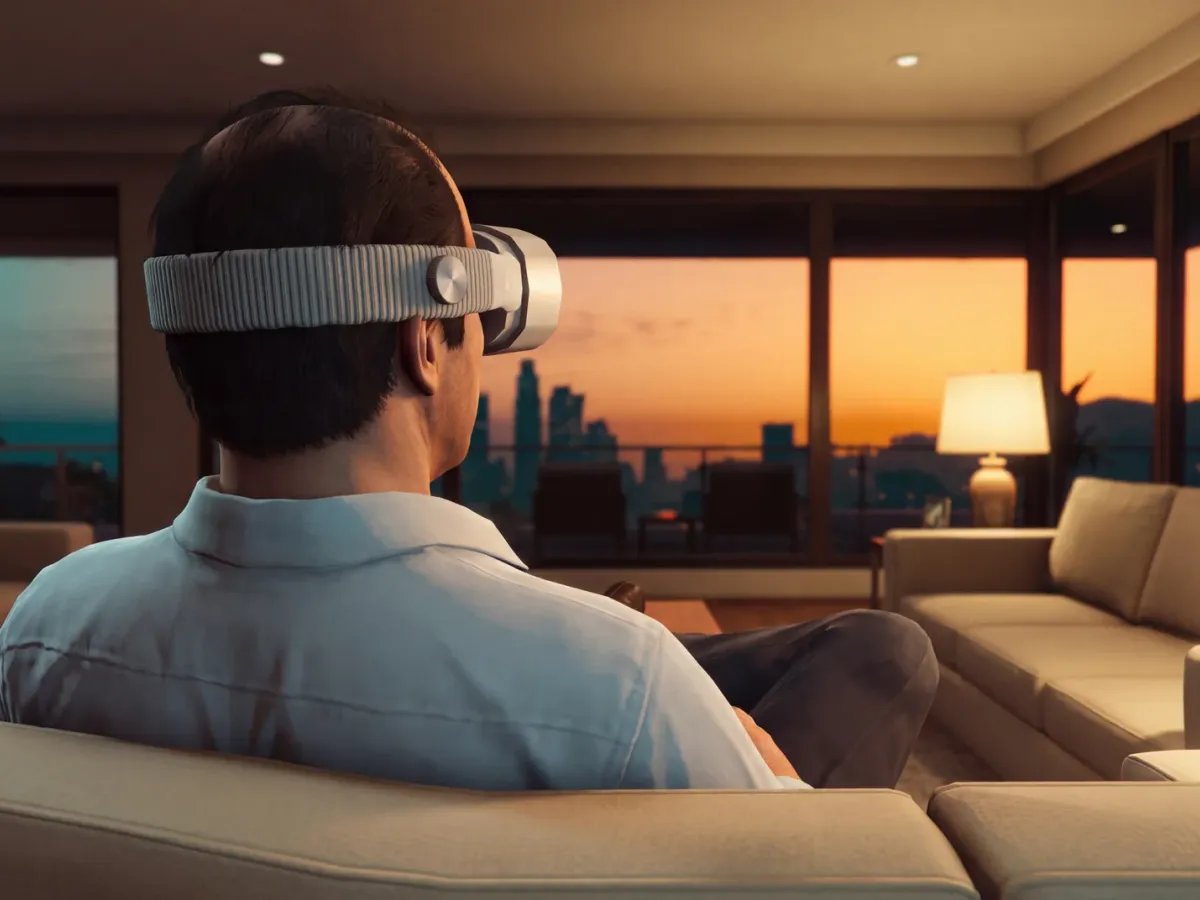
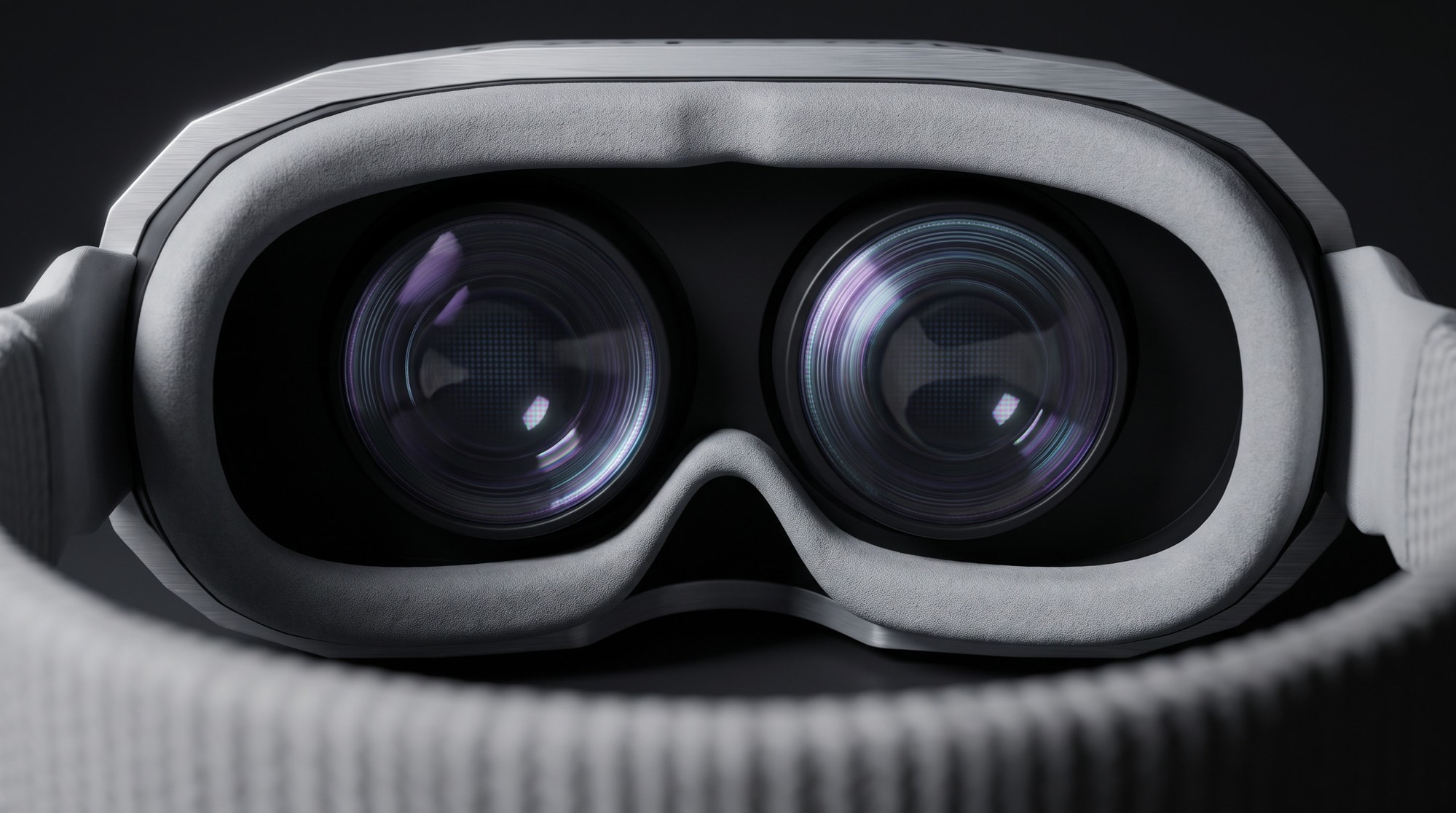
Put it on. Players put on the headset and arrange their windows around them.
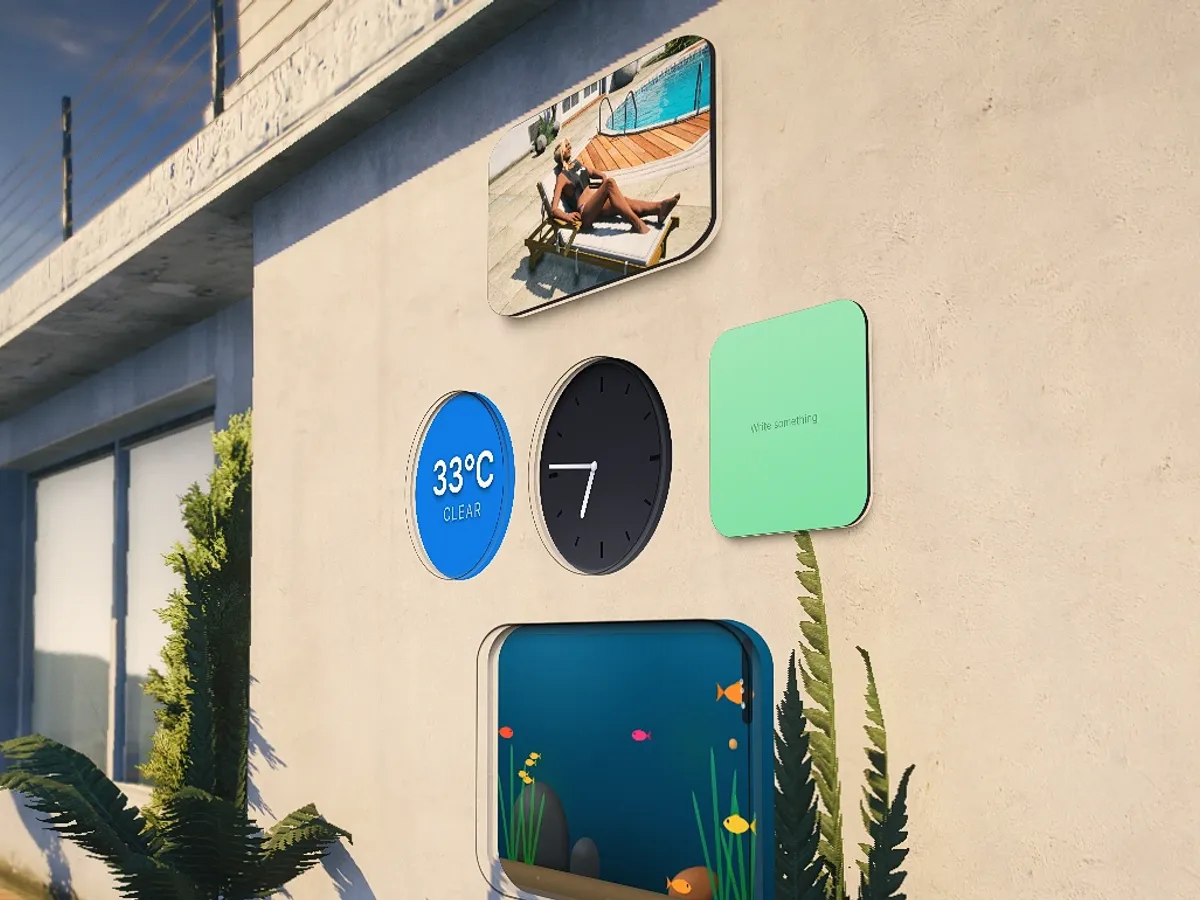
Widgets that stay. Your apps and widgets stay part of the room, right where you placed them on the wall.
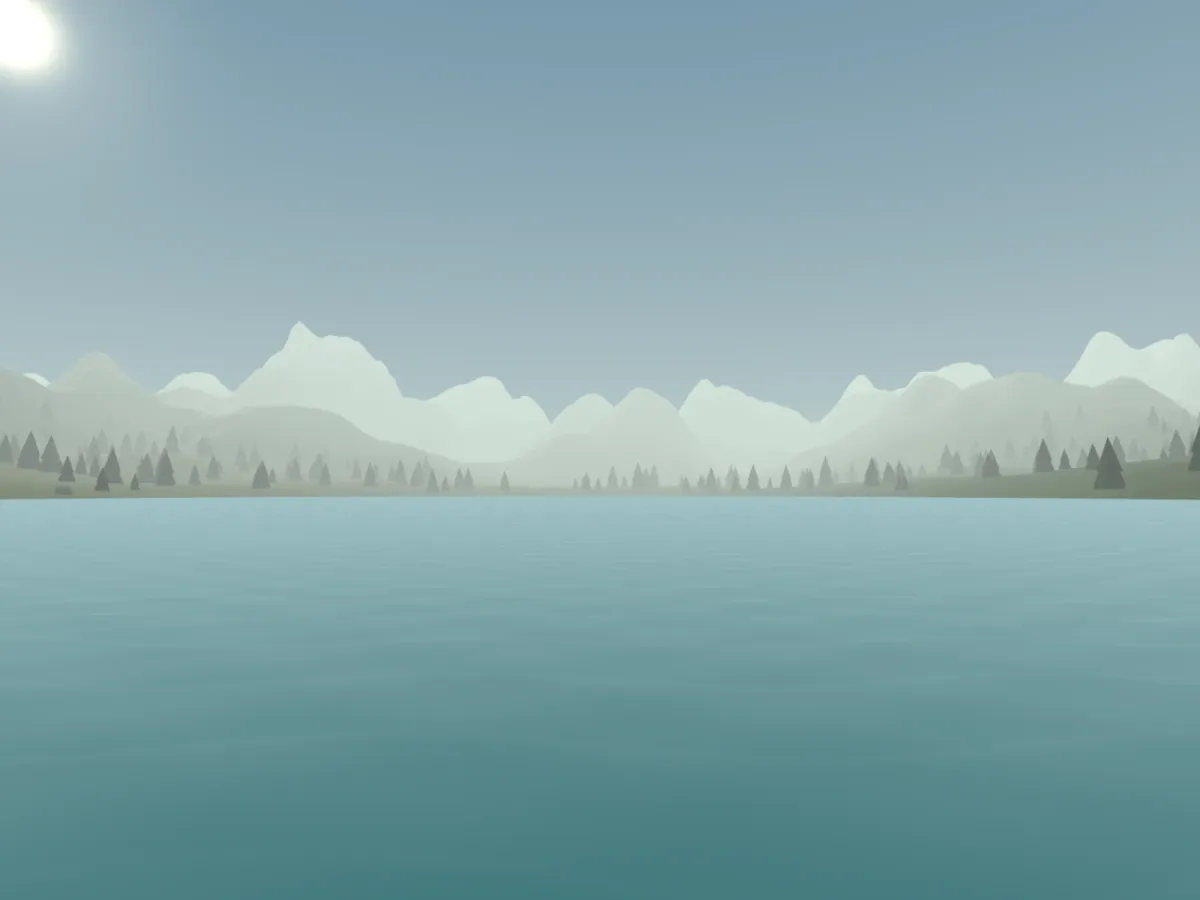
Spaces and places. Save a personal Space, find a favorite place, or invite a friend to meet you there.
Built for your server.
Frameworks
ESX · QBCore · Qbox · Standalone
RoadPhone is optional.
Custom apps SDK
Build your own apps for the headset.
Wall widgets
Pin widgets to the walls around you.
Spaces
Your own room, saved.
Everything included
Spatial interface for FiveM · Version 0.3.0
RoadVr
A headset your players put on, and windows they arrange around them. Save a personal Space, find a favorite place, or invite a friend to meet you there. Your apps and widgets stay part of the room.
Runs on ESX, QBCore, Qbox and standalone. RoadPhone is optional. Explore the interactive previews and full release notes at roadvr.org.
| Spaces | Destinations | Settings |
| Vehicles | Map | Beat |
| Basketball | Drone | Environments |
| Photos | Messages | Friends |
| Notes | Clock | Weather |
| Calculator | Control centre |
17 built-in apps · 6 favorites · 4 recent apps. The in-game launcher uses three wide rows and side pagination, without scrolling.
17 apps on the home screen, and your own server's apps beside them
7 widgets the wearer hangs on real walls – up to 12 per character
4 windows open at once by default, and that number is yours to set
Any framework – ESX, QBCore, Qbox or none at all
NEW IN 0.3
Your room, saved and ready.
Spaces & Destinations
Save up to six rooms and twelve favorite places. Open a portable or anchored layout, follow AR direction and distance, and share a meeting point through an invitation your friend accepts.
A more personal interface
Layered glass, softer highlights and clearer controls. Tune opacity, contrast, text size, motion and window distance. Choose six favorite apps and return to your four most recent ones.
New widget designs
Studio, Midnight and Flip clocks, an illustrated weather station and new paper details. Browse larger live previews and replace a widget on the wall, even with all twelve slots occupied.
More to play and do
A custom basketball hoop with timing, flick and power-meter controls. Beat rematches, valet delivery tracking and timers that continue when their app window closes.
Settings that keep you informed
Software Update shows installed and available versions with release notes. Notification cards open the relevant app; Do Not Disturb silences popups while keeping the cards.
Four languages and profile pictures
English, German, Spanish and Italian. Choose a profile picture from a supported phone gallery or image URL, preview it, then save.
See it running
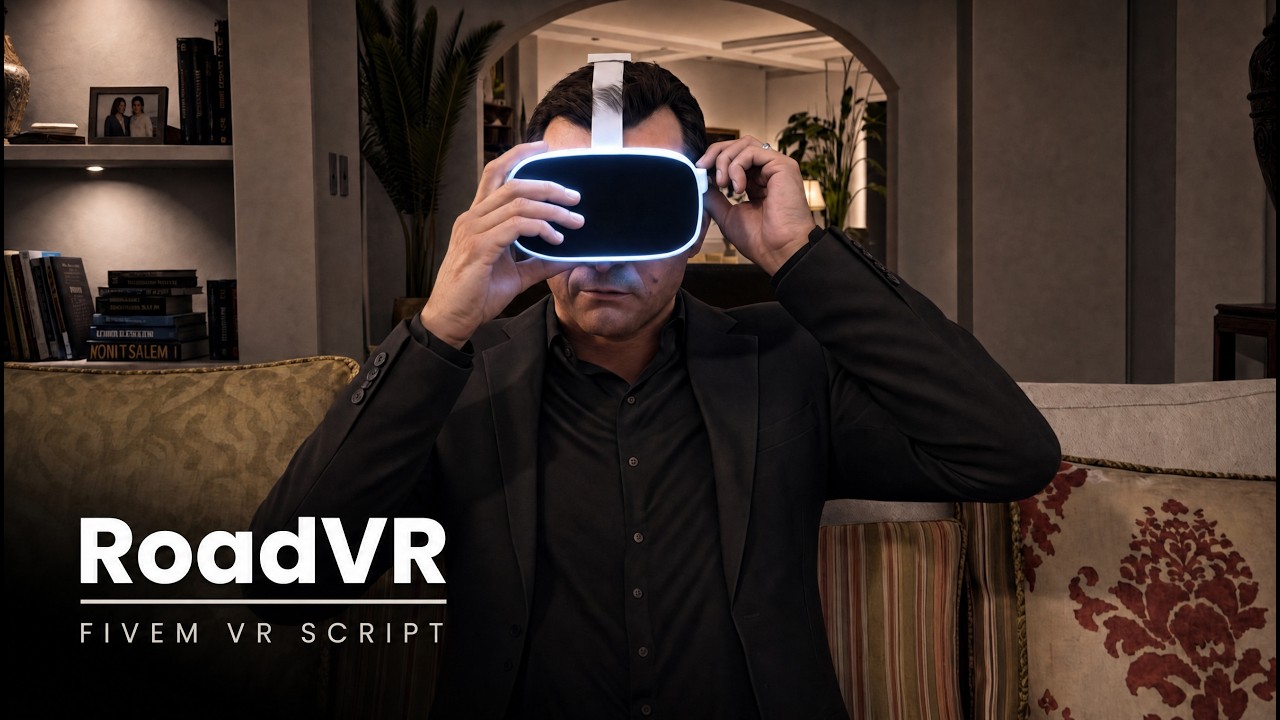
The release film · ▶ watch on YouTube · every app on roadvr.org
How a player uses it
Three inputs, and the room is yours
01
Put the headset on
Use the item, or bind a key if your server runs without one. The visor sits on the ped as clothing or as a streamed prop, whichever your ped models allow.
02
Open a window with F7
The home screen floats in front of you. F6 brings up the control centre instead: the switches, the environment and whatever the phone is playing, side by side.
03
Look at it, press E, use it
Focus frees the mouse and locks movement; ESC hands it back. Drag the title bar to move a window across the room, the wheel pushes it nearer or further away. A window either follows you or stays where it was left – that is one switch.
What ships on the headset
Seventeen apps, with room for your own
The figure beside each name is the default opening size in metres. Resize and arrange the windows around you. The vehicle menu and head-up display below are additional driving panels; they do not take up launcher tiles.
Your places
1.35 × 0.95 m
Spaces
Keep up to six arrangements of windows, nearby widgets and an environment. Portable Spaces travel with you; anchored Spaces reopen near their saved location. Update or delete a saved room explicitly, with distant widget walls kept in place.
1.25 × 0.95 m
Destinations
Save your current position or a map waypoint among twelve favorite places. Follow an AR bearing and straight-line distance alongside the game waypoint. Invite a friend to meet there: acceptance shares one location, and invitations expire after 45 seconds. Saves show confirmation and a retry when needed.
Everyday
1.50 × 1.00 m
Settings
Appearance, glass and text, windows, home view, comfort, notifications, general settings and software updates. Adjust glass opacity, contrast, text size, motion, opening distance and popup duration with live previews. Each player chooses their own preferences. Software Update displays version information and release notes; installation remains manual.
1.50 × 0.95 m
Notes
Your notes list beside a clear writing area, with subtle focus styling and draft protection against delayed refreshes or saves. With RoadPhone, read and edit the phone's notes. Without it, RoadVR keeps its own notes per character.
1.35 × 0.90 m
Photos
Browse the supported RoadPhone camera roll as a grid. Open a photo or video in its own resizable window; video controls stay within reach. The gallery requires the optional phone integration.
0.80 × 0.60 m
Clock
In-game time, a stopwatch and a session timer. Pause, resume or reset the timer, close its window and receive a completion notification that opens Clock again. Taking the headset off resets the session timer.
0.62 × 0.92 m
Weather
Temperature comes from the server so everybody reads the same number; sky and time of day come from the client. Celsius or Fahrenheit.
0.58 × 0.86 m
Calculator
A straightforward calculator beside the conversation, job or note that needs it, with clear controls and a compact window.
Things to do in the room
1.30 × 0.82 m
Beat
Cut incoming blocks with two sabers and build your combo. Three tracks are included, with three difficulties and automatic charts for music you add through the config. Hand-written charts are also supported. Challenge a friend with matching duel rules, let the remaining player finish after a forfeit, and send a fresh rematch invitation.
1.00 × 0.72 m
Drone
Put down a real drone prop and fly it: assisted, or full FPV acro with an analogue throttle. Other players see the drone, because it is there.
0.95 × 0.66 m
Basketball
Place the included portable hoop and play with a real ball. Choose timing, flick or power-meter controls, with charge, aim and release feedback and clear short, long, left or right miss indicators. Track points and streaks, return the ball or move the hoop. Matching rim and backboard collision makes placement and scoring part of the game world.
1.00 × 0.78 m
Environments
Swaps the world around the wearer for a 360° panorama, with a slider for how far it takes over. Two panoramas are included – an old town street and an aquarium – and your own equirectangular images go in beside them.
On the road
1.60 × 1.00 m
Vehicles
Browse your garage and locate vehicles you own. Request a valet and follow preparation, delivery and arrival, with clear failure states for stalled or missing drivers. Requests guard against duplicate payment and spawning. A confirmed delivery fee is not automatically refunded if delivery later fails.
1.05 × 0.80 m
Map
A slice of Los Santos as a 3D table on the floor, terrain and all. Hold focus and move your head to push it around, the wheel zooms, and pins can be dropped on it.
1.25 × 0.85 m
Vehicle menu
Opens in the windshield when the wearer is behind the wheel, and goes away when they get out.
1.10 × 0.34 m
Head-up display
Speed and the way to the waypoint, low in the field of view where a windscreen HUD belongs.
People and the switches
1.40 × 0.90 m
Friends
Your profile and tag beside your contacts and online presence, saved per character. Preview an avatar from a supported RoadPhone photo or an image URL before saving. Friend requests, meeting-point invitations and Beat challenges help you find something to do together.
1.50 × 0.95 m
Messages
A second screen for the phone's texts: read, answer, start a thread without taking the phone out. Needs RoadPhone; without it the app says so instead of failing.
1.90 × 1.15 m · F6
Control centre
Quick switches, environments, passthrough and supported phone playback in one sheet. Open your launcher or Settings, manage the window arrangement, and take off the headset. Native timer, valet and invitation cards take you to their related apps.
Widgets
Small things that stay on the wall
Place a widget on a real surface and return to it later. Widgets are personal, saved per character, with up to twelve on your walls. Browse a floating glass library with live previews and page buttons, edit the content, or choose another widget without losing its wall position. Cancelling a move restores the original placement.
0.34 m own case Clock – Studio and Midnight analogue faces, or a wide Flip display. Each has its own case, date readout and proportions; existing clocks retain an analogue face.
0.34 m weather station Weather – illustrated sky conditions, temperature, wind speed and direction, daylight progress and the next sunrise or sunset. The display follows the game's weather and configured daylight.
0.55 m sunk in Aquarium – the recess is the tank. The fish come to the glass when somebody walks up to it.
0.70 m stands off the wall Neon sign – a line of text in neon, wide and not tall.
0.50 m stands off the wall Photo frame – a shot from the camera roll: framed, bare, or as an instant.
0.26 m stands off the wall Calendar – ring binding, layered paper, month and year, and a weekday marker around a large date from the game's calendar.
0.22 m stands off the wall Sticky note – write your own message and choose from ten paper colours and square, wide or tall formats, finished with tape and a folded corner.
Better through the whole session
Settings, notes, destinations and profile pictures have safer save handling. Restored windows retain their spacing and anchor modes. Light-mode launcher controls, widget replacement and basketball scoring have been corrected.
Fixed widgets reuse their transforms, resting windows hold stable world positions, and reduced motion switches off window glide. Rendering still depends on game and interface frame timing.
For your own scripts
Your resource, on the home screen
Your own resource registers an HTML page and its icon appears between the others. RoadVr is not modified in the process, so an update overwrites nothing. Wall widgets work the same way.
exports.roadvr:registerRoadVrApp({
    id     = 'myserver_dispatch',
    name   = 'Dispatch',
    page   = 'ui/index.html',       -- a file in YOUR resource
    size   = { w = 1.1, h = 0.7 },  -- metres, not pixels
    anchor = 'body',                -- follows you, or stays put
})
Push data in with sendToRoadVrApp, take it off again with unregisterRoadVrApp. Ten further exports cover windows and headset state, your own widgets, and putting the visor on another ped for scene work. The full list with parameters and return values ships as a readable file, and a working example resource is included.
Before you buy
What it needs, and what it does not
Required
ox_lib · oxmysql · OneSync
Framework
ESX Legacy · QBCore · Qbox · standalone – detected at start, nothing to set. An empty item name means no item at all: then the headset is a command, or a key the player binds.
Database
Created on the first start, and an older installation has its missing columns added. The SQL file is included for database users without CREATE rights, and for anyone who wants to read the schema first.
RoadPhone
Optional. Supported RoadPhone versions (2.6 or newer) provide Messages, Photos, shared notes, profile-picture gallery access, phone notifications and playback controls. With no compatible phone, the rest of RoadVR remains available and Notes uses its own storage.
Languages
English, German, Spanish and Italian are included for the interface and Lua notifications. Players choose their interface language in Settings; the server selects its notification language. Add translations as JSON files and register them in the language list.
Escrow
Protected with CFX.re asset escrow. The config, the export list, the language files and the framework bridge stay open and readable. Please make sure you are logged into the right CFX.re account before buying.
In the box, ready to run
Two panoramas for the Environments app, CC0 and re-encoded to about 2 MB each rather than the 36 MB the originals weigh – because every player downloads them once.
Three tracks for Beat, plus the menu loop and the three cut sounds. Your own music goes in beside them; the block charts build themselves either way.
The map terrain for the GPS table, the drone assets and the portable basketball hoop. Two example resources – one custom app and one custom widget – provide working code to build on.
Spaces and widget walls are personal to each character. Friends can share meeting-point invitations and play Beat duels. Server developers can extend the experience with custom apps and widgets through the SDK.
Teaser

A first look, cut short on purpose · ▶ watch on YouTube
Built for your server
One config, commented line by line, and a diagnostic command in the server console that checks the bridge, the database, the language files and the phone, and tells you which of them is missing.
Explore the apps, try the widget designs and read the full 0.3 changelog: roadvr.org.
Documentation: docs.roadshop.org/roadvr/installation
RoadShop catalogue: RoadVR on RoadShop
Support and updates through the RoadShop Discord.